

Webhook
In the admin: Workflows › a Workflow › Settings › Trigger
A Webhook workflow has its own URL, and runs each time another system calls it. Acme's website has a service request form; when a customer sends it, the site posts the form to Service request intake, which validates it, finds the customer's site, creates a NEW work order and emails a confirmation.
POST https://acme.example/api/workflows/service-request-intake/webhook
GET  https://acme.example/api/workflows/service-request-intake/webhook
Only the method you choose answers; the other one is 404.
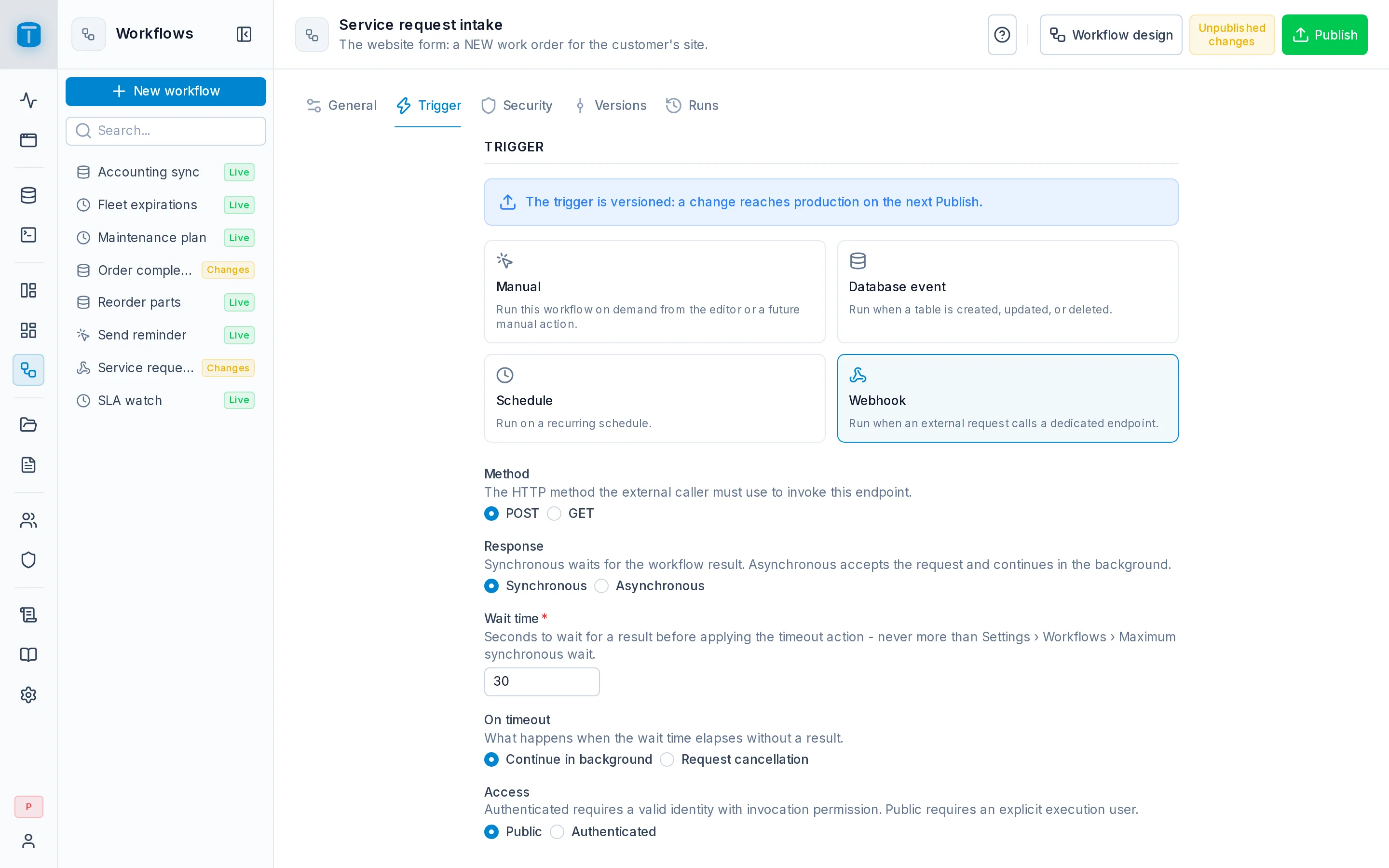
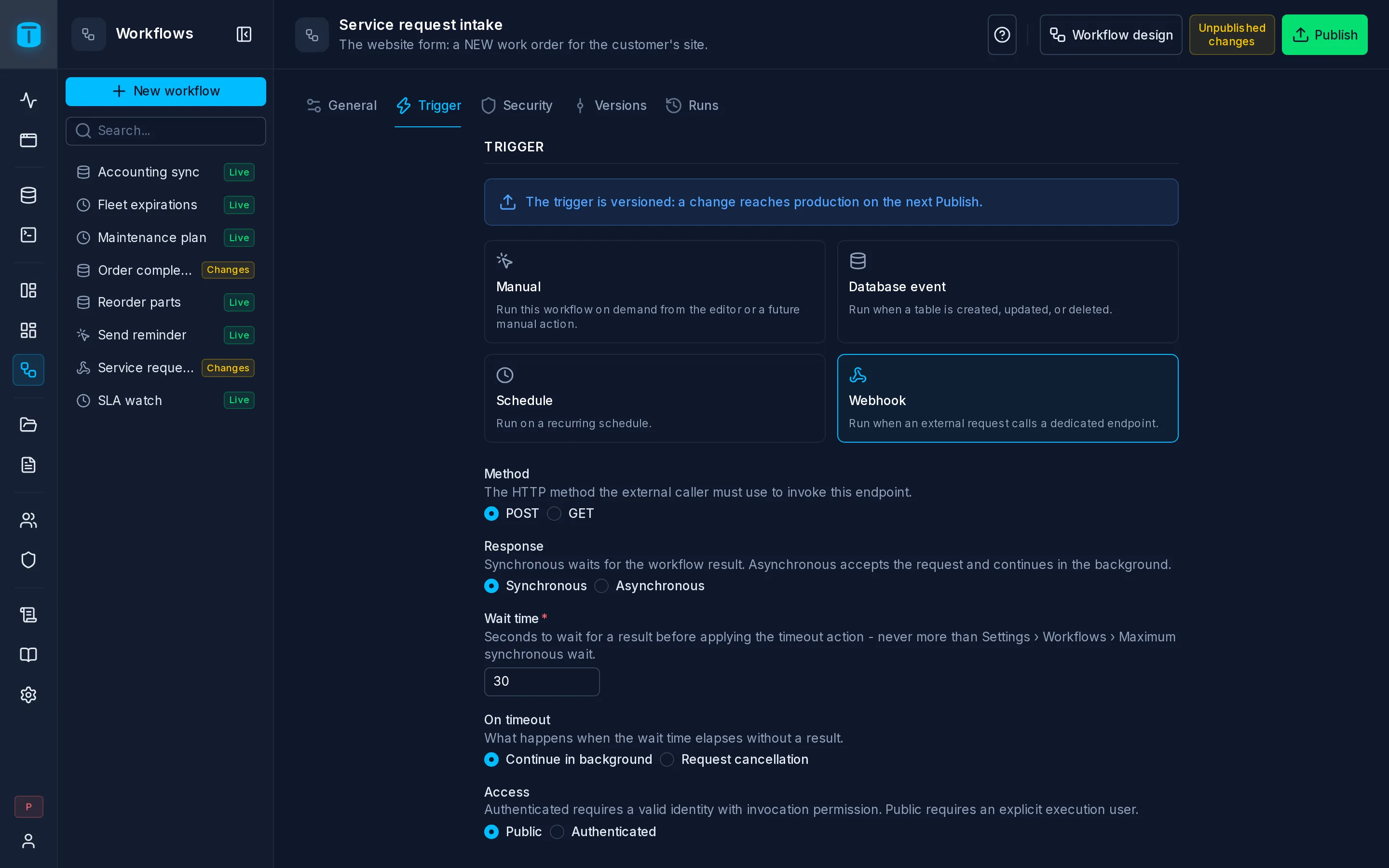
Configuration
| Field | |
|---|---|
| Method | POST (the default) or GET: the method the caller must use |
| Response | Synchronous (the default) waits for the workflow's result. Asynchronous accepts the request and continues in the background |
| Wait time | Synchronous only. Seconds to wait for a result, 30 by default, never more than the instance's maximum (workflows.max_sync_wait_ms, 30 seconds by default) |
| On timeout | Synchronous only. Continue in background lets the run finish; Request cancellation stops it after the step in progress |
| Access | Public (the default) or Authenticated |
| Execute as | Required for Public. Optional for Authenticated: empty, the run executes as the caller |
Access
Public: anyone who has the URL can call it. TotalBase reads no credentials, checks no invoke grant, and runs as the Execute as user. Each source IP may call public webhooks at most 60 times a minute; past that, 429 RATE_LIMIT_EXCEEDED.
Authenticated: the caller sends a credential the Data API accepts, such as Authorization: Bearer <token> from an API token, and one of its roles needs the invoke grant. Otherwise 403 ACTION_DENIED. The run executes as the caller, or as Execute as when set.
What the workflow receives
{{start.data}} is the request:
{
  "query": { "source": "website" },
  "body": { "email": "compras@hotelsalta.example", "description": "Air conditioning not cooling in room 12" },
  "meta": { "ip": "203.0.113.24", "headers": { "content-type": "application/json", "user-agent": "…" } }
}
query: the query string, each value a string or a list of strings;body: the POST body, which must be a JSON object or array (otherwise400 WORKFLOW_WEBHOOK_INVALID_PAYLOAD), within the instance's body size limit;nullfor GET;meta: the caller's IP and every request header, so a step can read an idempotency key or a token the sender includes:{{start.data.meta.headers.x-request-id}}.
Credentials such as authorization and cookie are redacted before anything is stored in the run's history.
The response
Asynchronous answers as soon as the run has started:
202 { "data": { "run": "a41c…" } }
Synchronous waits up to the wait time and answers with the run's outcome:
200 { "data": { "id": "a41c…", "status": "SUCCEEDED", "result": { "workOrder": "WO-000187" }, "error": null } }
result is what the workflow ended with, typically its Finish with result step: decide there what the caller may see. A failed run is still 200, with status FAILED and its error. Steps are never returned.
If the wait time runs out first:
504 { "errors": [{ "code": "WORKFLOW_SYNC_TIMEOUT", … }], "meta": { "run": "a41c…" } }
and On timeout decides whether the run continues or is asked to stop. A caller that disconnects is treated as Continue in background.
Reading a result later
An authenticated caller can read the outcome of a run it started:
GET /api/workflows/runs/a41c…/result
It answers { id, status, result, error } for the caller's own runs, while they run and for 24 hours after they finish, while it still holds the invoke grant. Anything else is 404 WORKFLOW_RUN_NOT_FOUND. Runs of a public webhook have no caller, so they can't be read this way: the run id is only for correlation.
Errors
| Code | When |
|---|---|
404 WORKFLOW_NOT_FOUND | no such workflow, or it isn't published, isn't enabled, isn't a webhook, or was called with the other method. All look the same |
429 RATE_LIMIT_EXCEEDED | a public webhook called more than 60 times a minute from one IP |
403 ACTION_DENIED | an authenticated webhook whose caller has no invoke grant |
400 WORKFLOW_WEBHOOK_INVALID_PAYLOAD | a POST body that isn't a JSON object or array |
504 WORKFLOW_SYNC_TIMEOUT | a synchronous run that didn't finish within the wait time |
Incoming and outgoing
This trigger is how other systems call TotalBase. To call another system when your data changes (an outgoing webhook), use a Database event workflow with an HTTP request step.
To try a webhook design before publishing, use Run › Test with the { query, body, meta } shape above as the trigger input. Run › Production isn't offered: a webhook runs from its URL.
Next steps
- Control steps: Validate data and Finish with result.
- Security: the invoke grant for authenticated webhooks.