

SQL Console
In the admin: Console
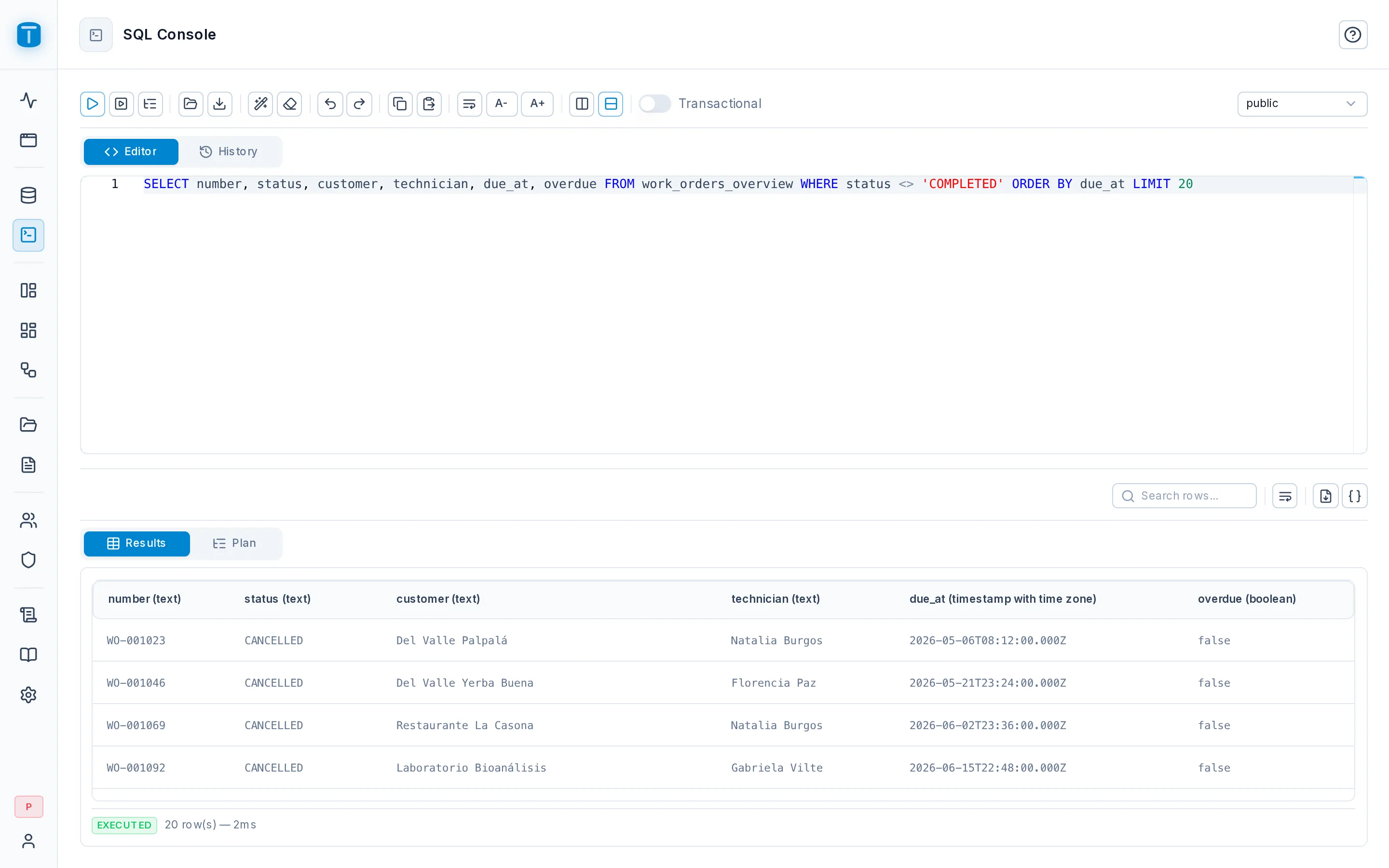
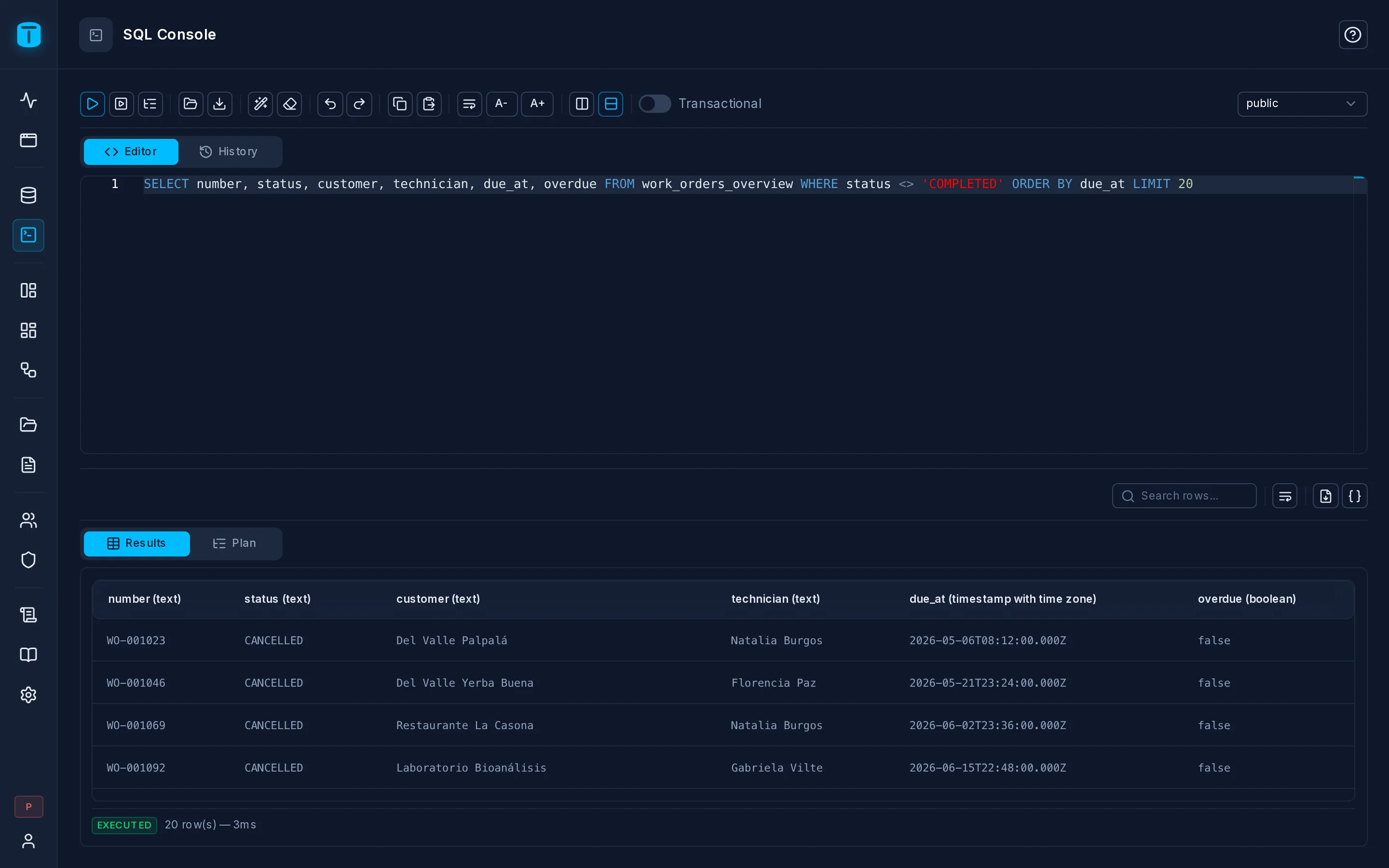
The SQL Console runs SQL against your database from the admin: queries, DDL, data fixes, and the views, functions and triggers that Database doesn't build visually. Open Console in the rail, or the console button in Database.
What it is
The SQL Console is the one place where TotalBase runs raw SQL on purpose:
- Administrators only. It can be turned off entirely with
sql_console.enabled. - It runs as TotalBase's database role, not as the signed-in user. Permissions, row filters and payload checks don't apply. PostgreSQL's own privileges do.
- Everything is recorded: each run in the console's history, and in the audit log.
Running SQL
Write in the editor (it completes table, view, function and column names) and run the whole script or just the selection. A script can hold several statements; each SELECT shows its own result.
Turn on Transactional to wrap the script in one transaction, so that if one statement fails, everything rolls back.
Results show up to sql_console.max_rows rows, with the real total. NOTICE and WARNING messages that PostgreSQL raises are shown too.
Errors
When a statement fails, the console shows everything PostgreSQL reports: the message, DETAIL, HINT, the SQLSTATE, and the position. The editor underlines the word where PostgreSQL stopped. (The Data API never shows this much detail.)
EXPLAIN
Explain shows the plan for one statement without running it, which is useful before adding an index. Acme checks that the latest-position view uses vehicle_positions (vehicle, recorded_at DESC).
History
Every run is kept, successful or failed, with who ran it, how long it took, and the error. Search it, open an entry to run it again, or purge entries older than a date. Old entries are deleted after sql_console.history_retention_days.
The catalog follows
After each run, TotalBase re-reads the catalog (catalog.auto_refresh_after_ddl, on by default). A table you create in the console appears in Database at once as a hidden resource, and a renamed column keeps its presentation.
Tokens and agents
An administrator's personal access token, used by a script or by the MCP server, can run SQL only while sql_console.token_access is on. It's off by default, and only an administrator signed in to the admin can turn it on.