

Variables
In the admin: Dashboards › a Dashboard › Settings › Variables
Variables are the filters viewers pick in the bar above the widgets: a period, a branch, a warehouse. A widget's query reads each one as $VAR.<name>. The ⚙ beside the variables bar in the editor opens this section.
On the left, the list of variables and Add variable; on the right, the selected one's form. Save saves the whole list. Variables are versioned with the widgets: a change reaches the App on the next Publish.
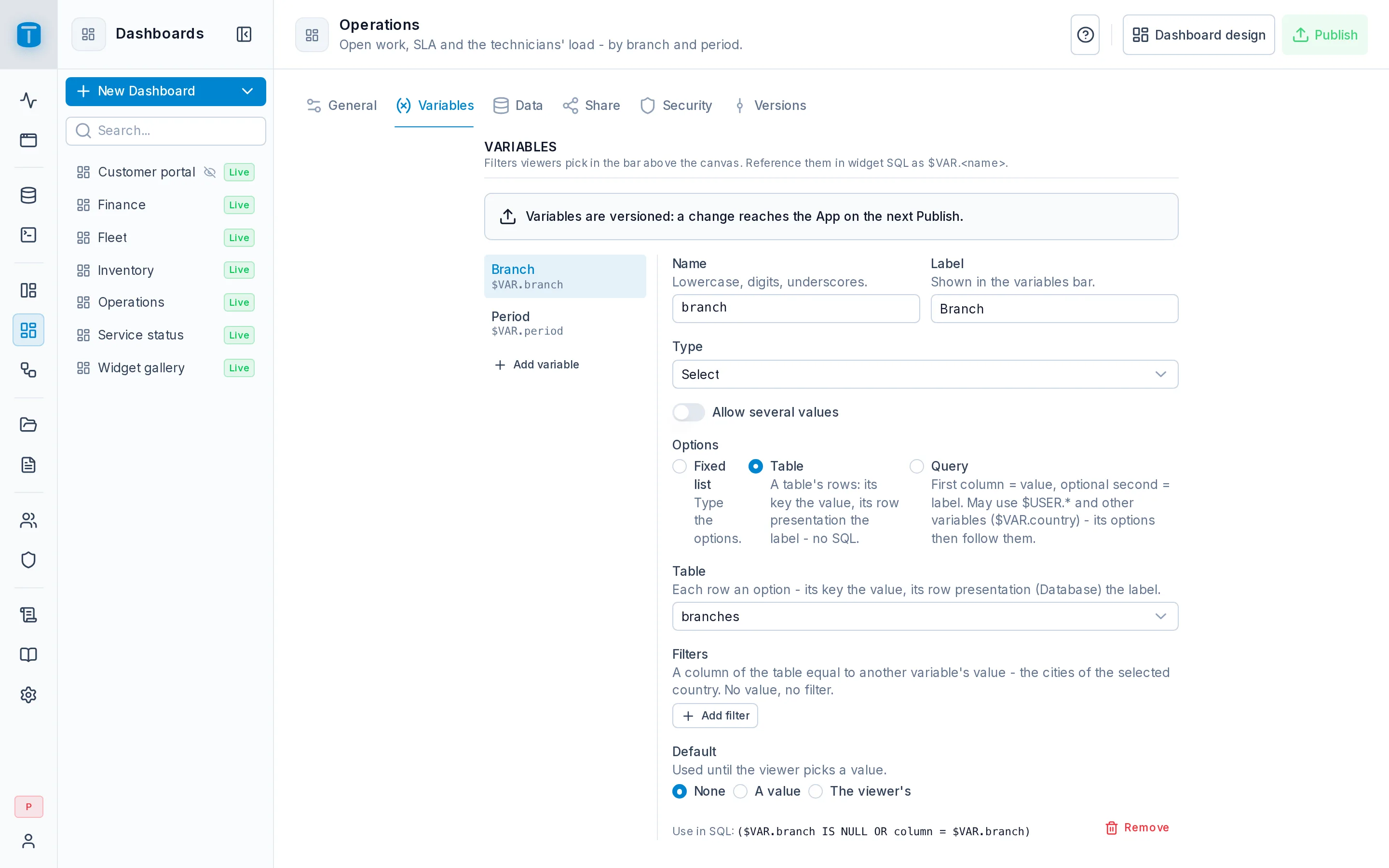
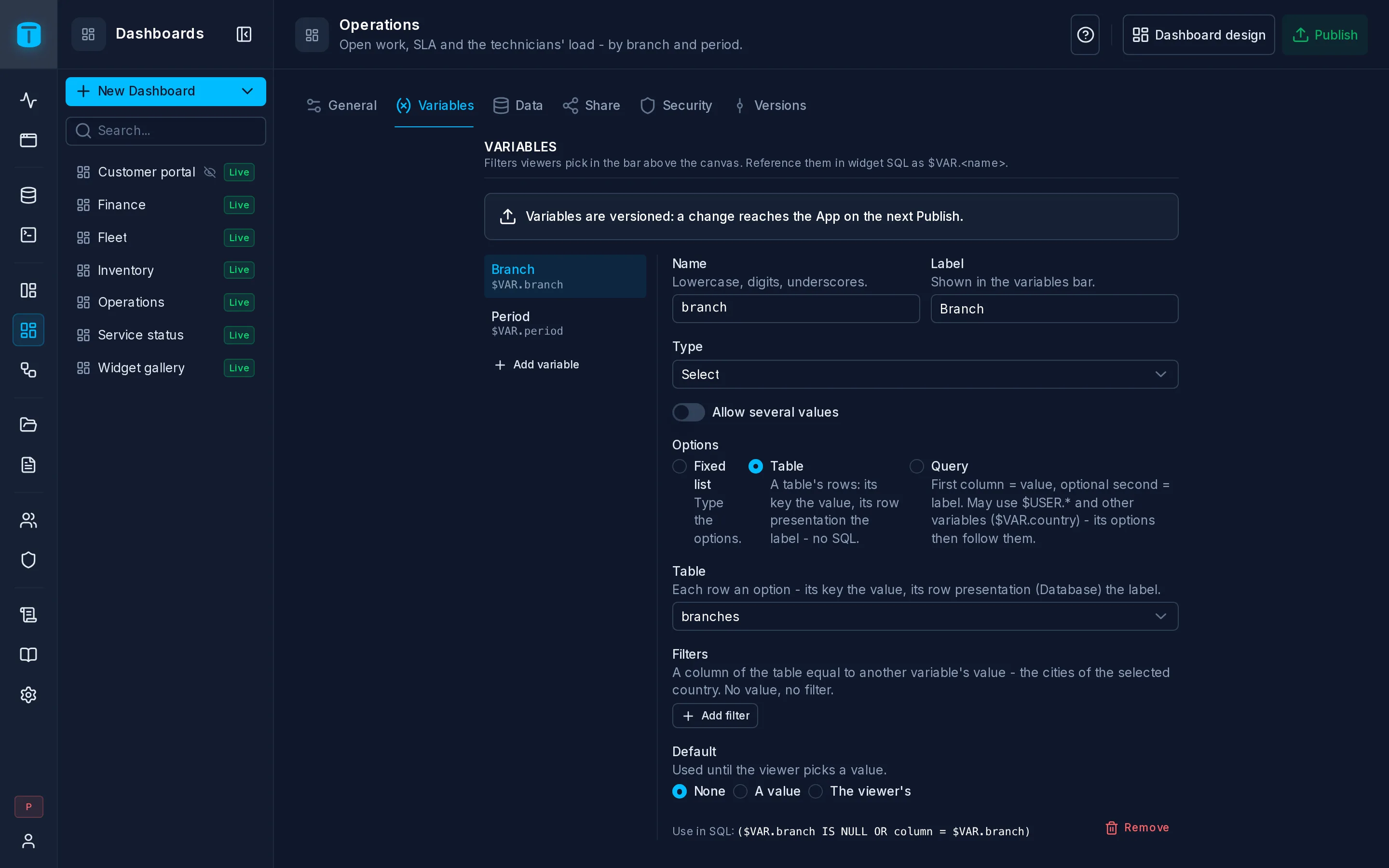
A variable
| Field | |
|---|---|
| Name | Lowercase letters, digits and _, starting with a letter, up to 32 characters, unique. Used as $VAR.<name>. tab is reserved |
| Label | What the bar shows, up to 64 characters. Empty, the name |
| Type | Date range, Select, Text or Number |
| Default | Used until the viewer picks a value |
Under the form, Use in SQL shows how to write it in a query. A dashboard has at most 20 variables.
Types
| Type | The viewer picks | In SQL |
|---|---|---|
| Date range | a preset or a custom range | $VAR.period.from and $VAR.period.to, timestamptz. from is included, to excluded |
| Select | one option, or several with Allow several values | text, or text[] with several: status = ANY($VAR.status) |
| Text | free text, up to 200 characters | text |
| Number | a number | numeric |
Date range
The presets are Last hour, Today, Last 7 days, Last 30 days, Last 90 days, This month, Last month, This year and All time, besides Custom range. PostgreSQL computes the bounds when the query runs, in the viewer's time zone. A custom range includes its last day. All time has no bounds: both are NULL.
A range also gives its previous period, $VAR.period.prev_from and $VAR.period.prev_to: as long, and just before. This month gives last month, Today yesterday, Last 30 days the 30 days before.
SELECT count(*) FILTER (WHERE reported_at >= $VAR.period.from AND reported_at < $VAR.period.to) AS this_period,
       count(*) FILTER (WHERE reported_at >= $VAR.period.prev_from AND reported_at < $VAR.period.prev_to) AS previous
FROM work_orders
A KPI over this query shows the change against the previous period.
Select: where the options come from
| Options | |
|---|---|
| Fixed list | Type each option's value and, optionally, what the viewer reads: true / Yes. Unset is All |
| Table | A table's rows: its key is the value, its row presentation in Database the label. No SQL. Filters narrow it by another variable: the cities of the selected country. A filter with no value doesn't filter |
| Query | A query whose first column is the value and optional second the label. It runs read-only like a widget's, up to 500 options. It may read $USER and other variables ($VAR.country), and its options then follow them |
A single Select also offers All, which means unset. When a variable it depends on changes, the list reloads, and a picked value the new list no longer offers is dropped.
Acme's Branch variable is a Select from the table branches. Its options show each branch by its row presentation, and its value is the branch's id.
Defaults
| Default | |
|---|---|
| None | No value until the viewer picks one |
| A value | A fixed value: a preset for a date range, an option, a text, a number |
| The viewer's | A column of the viewer's user row, such as branch: the list starts on the viewer's own branch. Without a user, as in an embed, no value |
Changing a variable's type, its Allow several values or its options' source clears its default.
Reset, in the bar, takes every variable back to its default once a viewer changed one.
Unset means no filter
A variable with no value binds NULL. Write each filter so that NULL lets every row through. The widget drawer's Optional filter writes this for you:
WHERE ($VAR.branch IS NULL OR wo.branch = $VAR.branch::uuid)
  AND ($VAR.period.from IS NULL OR wo.reported_at >= $VAR.period.from)
  AND ($VAR.period.to IS NULL OR wo.reported_at < $VAR.period.to)
Filtering is not restricting
A viewer can send any value of the right type for a $VAR, including one the bar doesn't offer. A Select of the viewer's own branches doesn't stop them from asking for another one. To restrict rows, use $USER in the query:
WHERE wo.branch = $USER.branch
$USER.<column> reads the viewer's current row in users on every run, with the column's own type. Any column works, including ones you added, except password_hash. In the editor, $USER is you.
$USER fails for a visitor without an account, in a public link or a signed embed. There, the embed's Locked variables are the restriction. See Share.Next steps
- Editing a Widget: inserting a filter.
- Data: auto-refresh.