

Custom
In the admin: New DataView › Custom · Page design
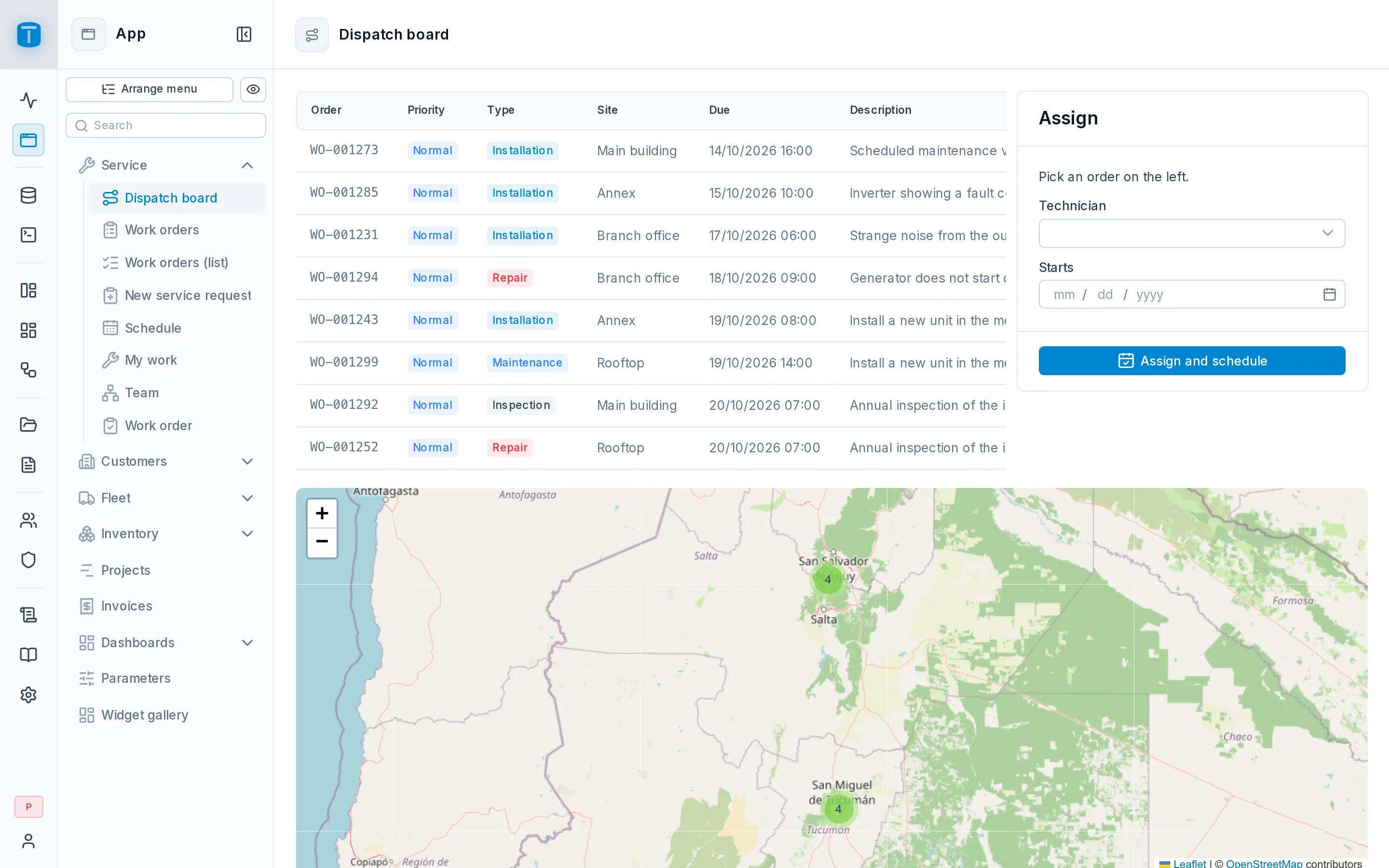
A Custom DataView is a blank page you build: a screen that isn't a list or a form of one table. A search screen with its own filters, an operation that writes to several tables, a point of sale, a report with parameters, an entry kiosk.
Acme has two:
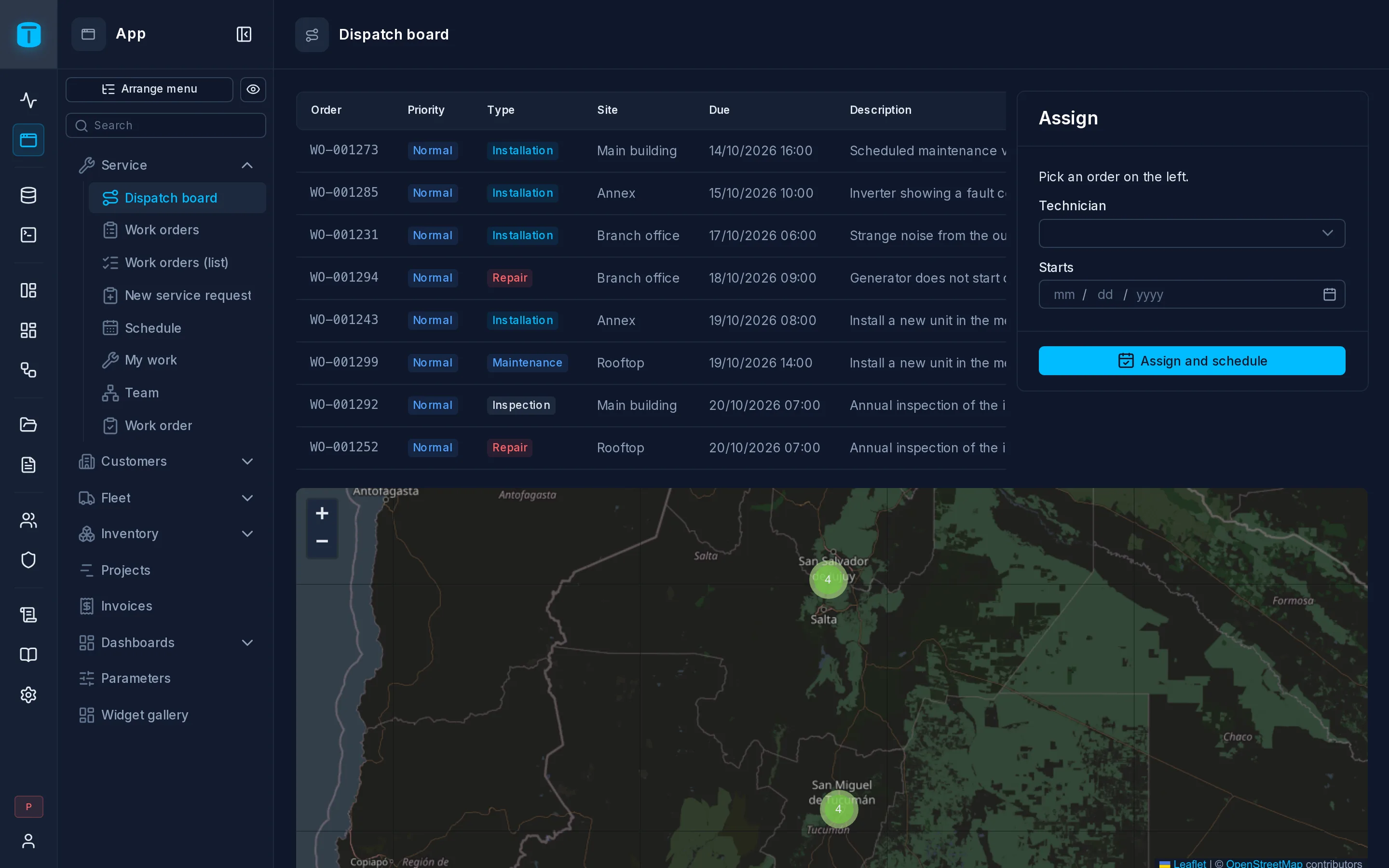
- Dispatch board: pick an unassigned order, see the free technicians and nearby vehicles on one map, and assign and schedule it in one step.
- New service request: find the customer and site, scan the equipment's serial number, check the contract, and create the order.
How a page is built
A page is made of three things, all edited in the Design form:
- Widgets: inputs, tables, maps, charts, buttons, a scanner, a signature pad.
- Variables: the page's state (the selected order), its data (the unassigned orders, read through the Data API) and its calls (a function or a workflow to run).
- Code: what happens when a widget emits an event, such as a button's click.
Widgets never know tables: they show and change variables, and code connects them.
What it needs
Nothing. A Custom page can have a record table, chosen in the wizard's Record step or later in its settings: then the page has a record of that table, its form fields can be bound to its columns, and the address's ?pk= opens that row. Once set, the record table stays.
Security
A page has no write path of its own. It reads through the Data API, and writes through a function, a workflow or a table write, always as the user, with their permissions. Checking a page when you save it helps you build it, but it's not what keeps data safe: the Data API is.
Page options
In Settings › Page:
| Option | |
|---|---|
| Page width | Narrow, wide or full; by default the instance's |
| Kiosk | The page alone, filling the screen, for a totem or a phone used as a reader |
Kiosk
With Kiosk on, the App shows the page without menu, rail or header. A discreet ⋮ in a corner offers Full screen, and an administrator leaves the kiosk view from it. While the connection or the server is down, a notice covers the page until it's back.
Kiosk view is presentation, not a lock: keeping a visitor in it is the device's job (a managed browser, a pinned app).
An entry kiosk is typically a Scanner listening to the whole page, whose scan calls a function that checks the code, and a Result widget that shows Welcome or Denied. See Widgets.
Next steps
- Design Form: building the page.