

Versions
In the admin: Workflows › a Workflow › Settings › Versions
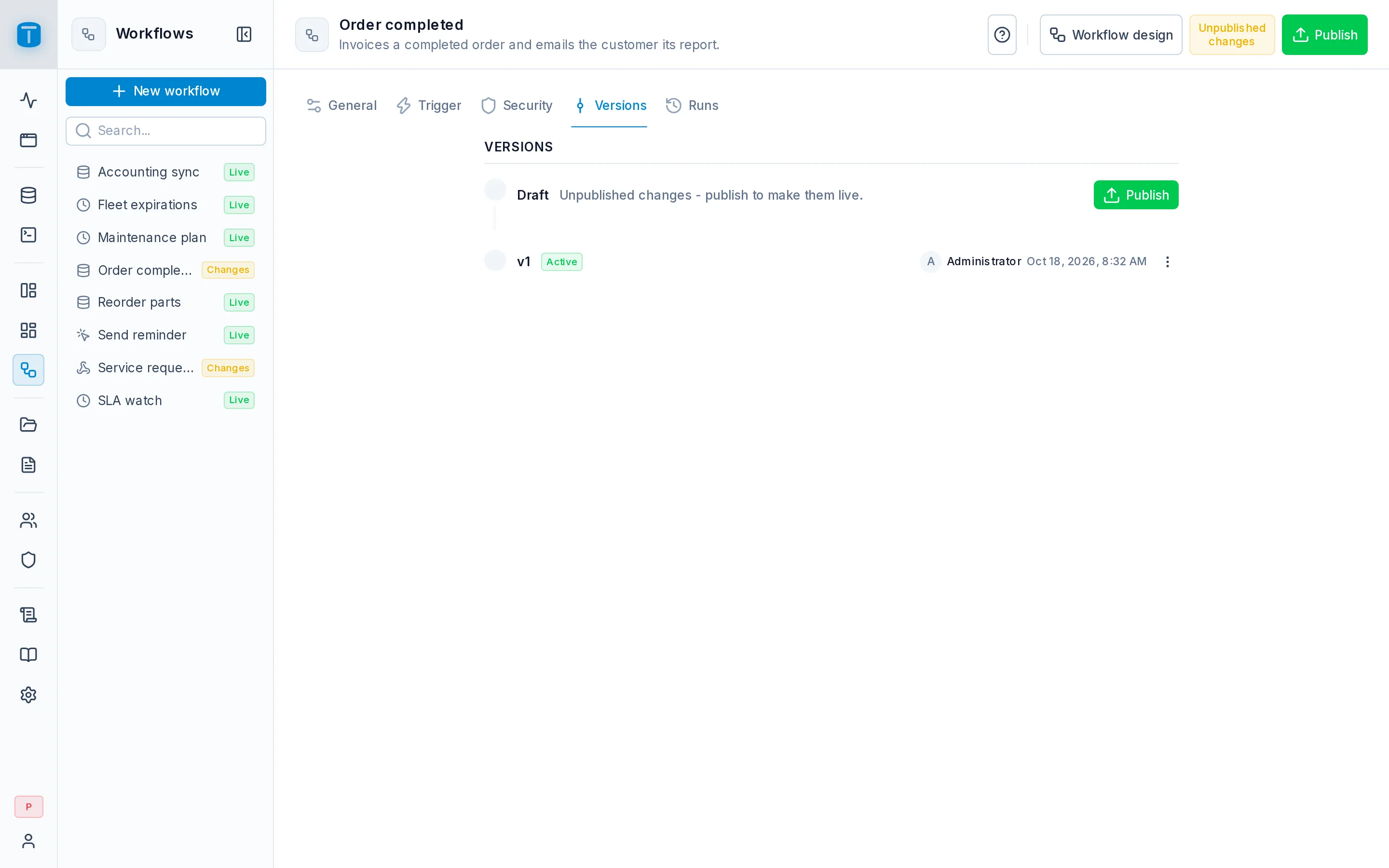
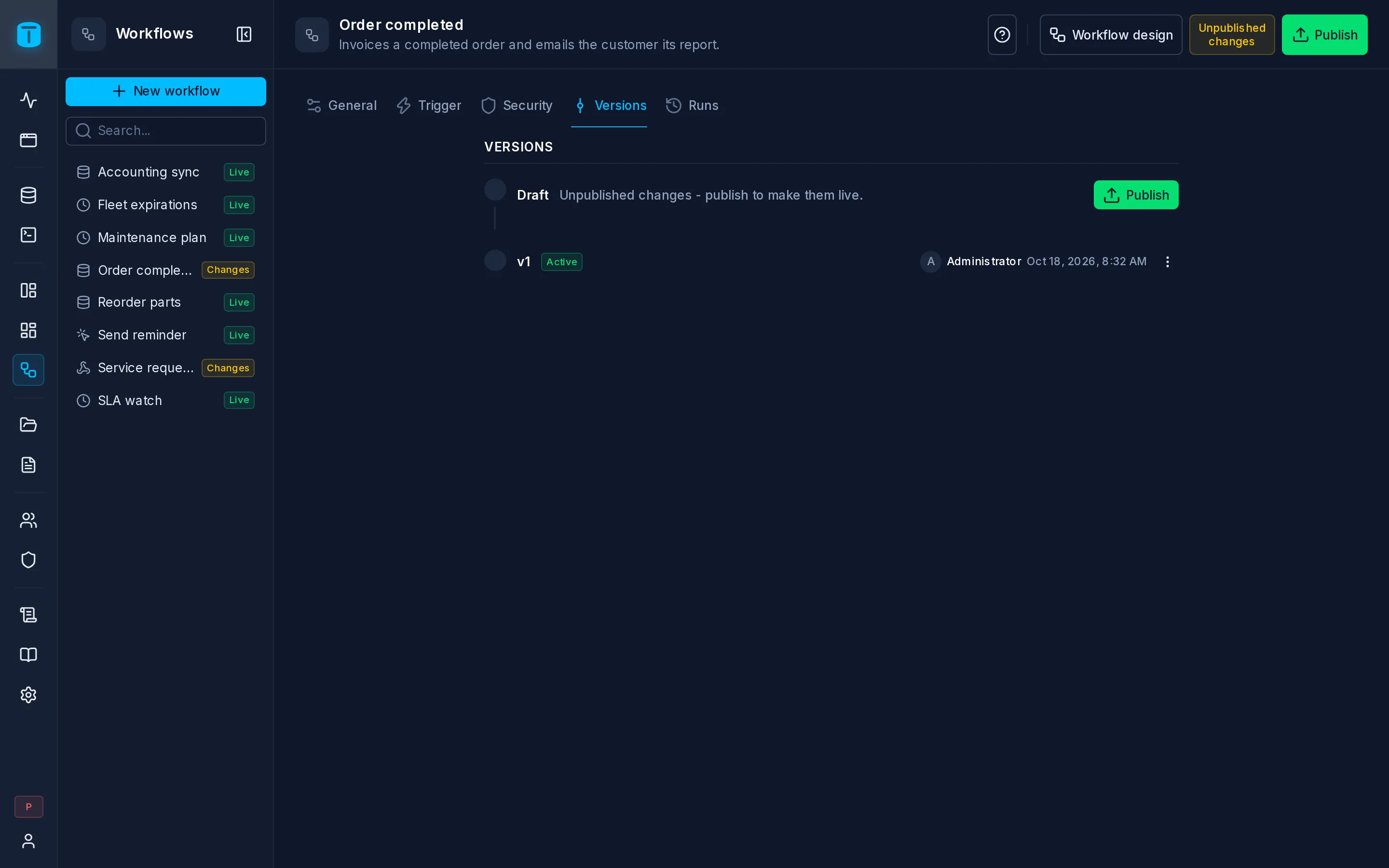
Versions is the workflow's history: the draft you edit, at the top, and every version you published, newest first, each with who published it, when, and its note. The live version, the one production runs use, is the highest.
The same history opens from the Versions menu in the editor's header.
The draft
The draft says whether it has Unpublished changes or equals the live version. With changes, Publish checks the design and creates the next version. See Editor › Publish.
Publishing doesn't enable the workflow, and doesn't affect runs already in progress: each run keeps the version it started with. Only new runs use the new one.
What you can do with a version
| Action | |
|---|---|
| Open | Shows that version on the canvas, read-only. Back to draft returns |
| Restore | Replaces the draft with that version. Nothing is published: production keeps running the live version until you publish, which creates a new version marked restored from v2 |
| Save as… | Creates a new workflow from that version, with its own name: unpublished, disabled, with no invoke grants. The original doesn't change |
| Delete old versions… | Removes the versions below the one you choose. The live version always stays, and so does any version that runs in the history still use |
History only moves forward: restoring an old version and publishing it creates a new number, so the live version is always the latest.
Each run in Runs shows the version it ran, and Runs can be filtered by version, which is how you compare how a change behaved.
What isn't versioned
Some settings apply at once and aren't part of any version: the name, description and slug, Enabled, the run retention, and the roles that may invoke it. Restoring a version doesn't change them. The trigger, on the other hand, is part of the design, and is restored with it.
Next steps
- Drafts and publishing: the same model for DataViews and dashboards.
- Runs: which version each run used.