

Communication
In the admin: Workflows › a Workflow › a step
Send email sends a message through the instance's mail server, written in the step or from an email template. Acme's Order completed emails the customer the work order as a PDF; SLA watch emails a branch's dispatcher the orders that are running late.
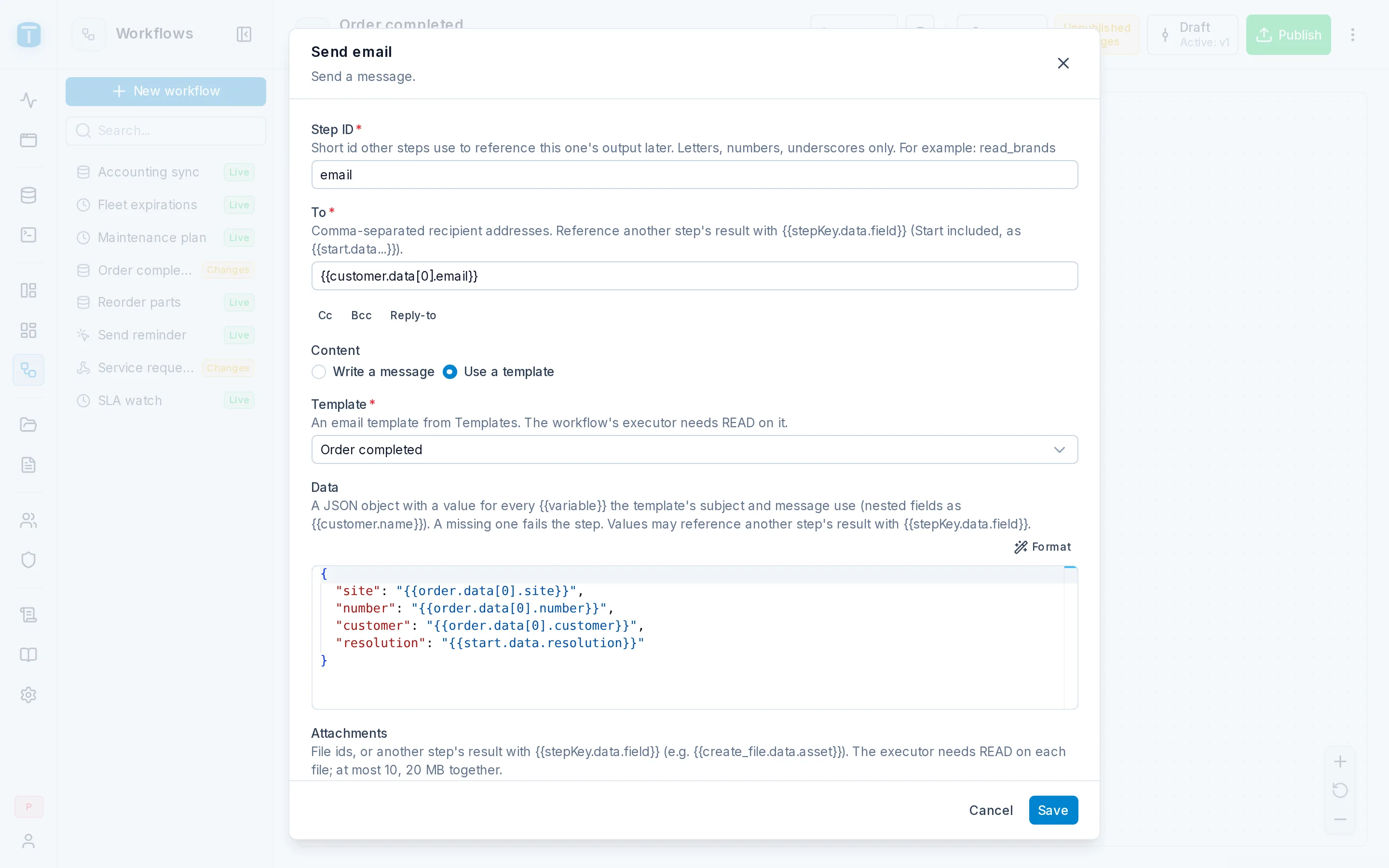
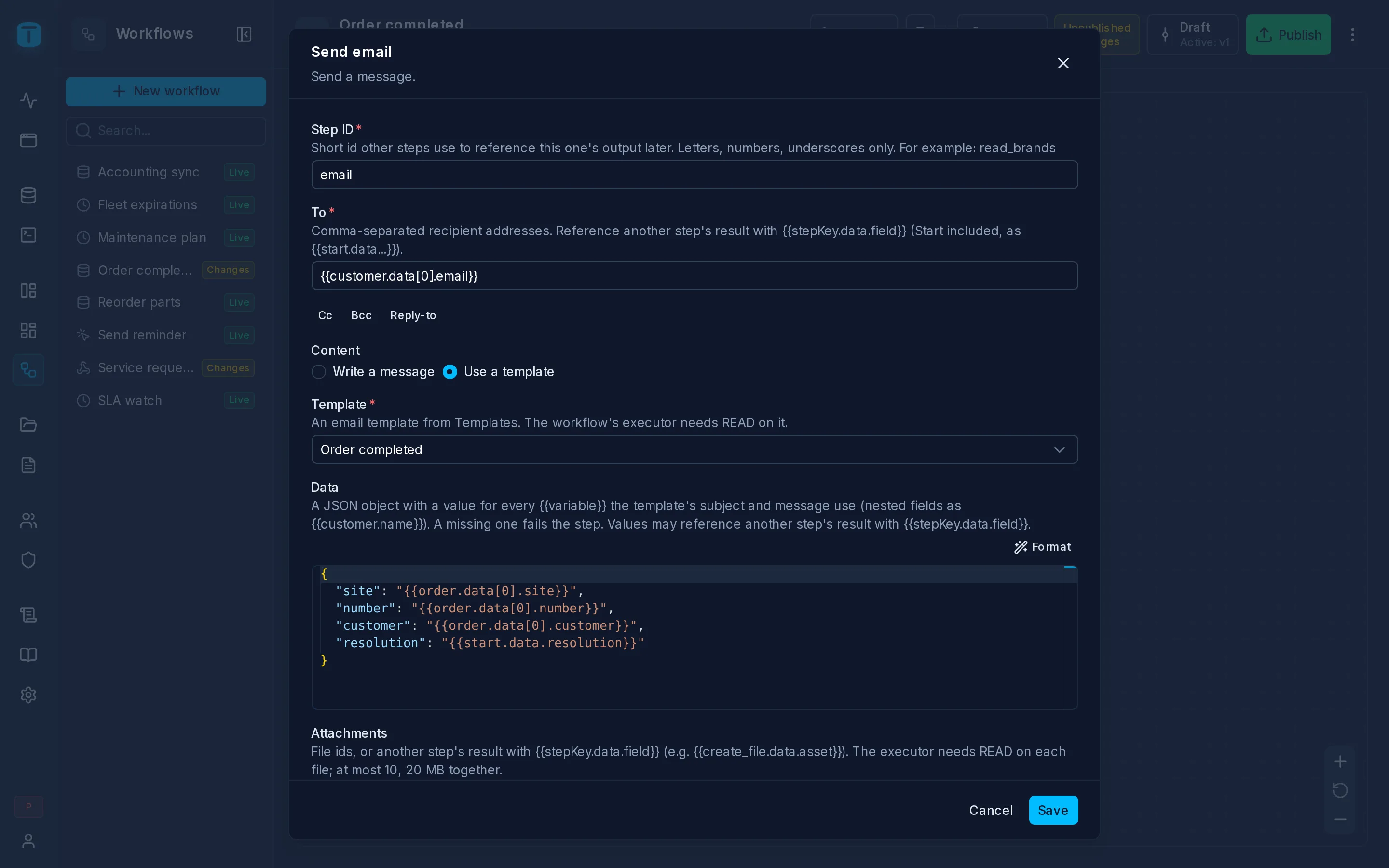
Fields
| Field | |
|---|---|
| To | Required. One address, several separated by commas, or a {{…}} that resolves to a list of addresses |
| Cc, Bcc | Optional, added with their buttons. Same format as To |
| Reply-to | Optional. Where replies should go, if not to the sender |
| Content | Write a message or Use a template |
| Attachments | Optional. Files, picked with Browse or from another step: {{save_pdf.data.asset}} |
The sender is always the instance's, from Settings › SMTP: a workflow can't choose its From.
Write a message
| Field | |
|---|---|
| Subject | Required, with {{…}} |
| Body type | Text, HTML or Both |
| Body | The message. For HTML, a rich text editor. With Both, a Text body (a plain-text fallback for clients that can't show HTML) and an HTML body |
Use a template
| Field | |
|---|---|
| Template | Required. An email template from Templates |
| Data | A JSON object with a value for every {{placeholder}} the template's subject and message use; a nested field as {{customer.name}}. Values can be {{…}} from earlier steps |
The template's subject and message are filled from Data: values are escaped in the message, inserted as they are in the subject. Every placeholder needs a value; a missing one fails the step with MISSING_TEMPLATE_VARIABLES, naming them, rather than sending a blank. The message is sent as the HTML body.
Recipients always come from the step. The template's default Cc, Bcc and Reply-to apply where the step leaves those empty.
Order completed uses the Order completed template:
| Field | Value |
|---|---|
| To | {{find_customer.data[0].email}} |
| Template | Order completed |
| Data | {"number": "{{start.data.number}}", "resolution": "{{start.data.resolution}}"} |
| Attachments | {{save_pdf.data.asset}} |
Attachments
Attachments are files, by their id: picked with Browse, or a {{…}} that resolves to a file id or a list of them, typically the result of a Create file step. A path, raw content or a URL isn't accepted.
At most 10 files, 20 MB together. Each is sent with its name and type. The run's history keeps only their names, never their content.
Permissions
The step runs as the executor, who needs:
- the Can send email capability on one of their roles, set in the role's General section. Without it the step fails with
EMAIL_SEND_DENIEDbefore anything is read or sent; READon the template, within their row filter, when using one. OtherwiseTEMPLATE_ACCESS_DENIED;READon each attached file, unless the file is public. OtherwiseFILE_ACCESS_DENIED.
An administrator executor, such as the Workflows system account, passes all three. See Granting permissions.
The result
{ "to": "compras@hotelsalta.example", "subject": "Work order WO-000123 completed", "attachments": ["WO-000123.pdf"] }
It means the mail server accepted the message, not that it was delivered. A step that fails is never retried, because an uncertain answer from the mail server could otherwise send the message twice.
A test run sends real emails. Test with addresses you control.
Errors
| Code | When |
|---|---|
EMAIL_SEND_DENIED | the executor's roles can't send email |
TEMPLATE_ACCESS_DENIED, TEMPLATE_NOT_FOUND, TEMPLATE_WRONG_KIND | the template can't be read, doesn't exist, or is a PDF template |
MISSING_TEMPLATE_VARIABLES | a placeholder of the template without a value in Data |
FILE_ACCESS_DENIED, FILE_TOO_LARGE | an attachment can't be read, or the attachments are too large |
WORKFLOW_INVALID_DESIGN | a recipient list with something other than addresses, or an attachment that isn't a file id |
Next steps
- Email templates: writing the templates a step uses.
- Documents: the PDF to attach.