

API Tokens
In the admin: Users › API tokens · My account › Tokens
A personal access token lets a program act as a user: a script, an integration, a device, an AI agent. TotalBase has no standalone API keys. Every token belongs to a user and can do exactly what that user's roles allow, re-checked on every request.
Send it like any credential:
Authorization: Bearer tb_3kX9...
Planes
A token is created for one plane:
| Plane | Reaches | Who can hold one |
|---|---|---|
api | the Data API (/api/*) | a user whose roles have API access |
admin | the Admin API and the App API as well, plus the Data API | a member of Administrators |
The requirement is checked when the token is created and on every use. Remove a user's API access, or their Administrators role, and their tokens stop working on the next request. There's nothing else to revoke.
A device's token: Acme's GPS units
Acme's vans send their position every 30 seconds. Each unit uses a token that can do one thing:
- Create a role GPS device with API access on and App access off.
- Grant it
CREATEonvehicle_positions, with the fieldsvehicle,location,speed_kmh,heading,recorded_at. Grant nothing else: noREAD, noUPDATE. - Create a user for the fleet, such as
gps@acme-field.example, and give it only that role. - Create a token for that user, plane
API, and install it on the units.
A unit then posts:
curl -s -X POST http://localhost:3050/api/public/table/vehicle_positions \
  -H "Authorization: Bearer $GPS_TOKEN" \
  -H 'Content-Type: application/json' \
  -d '{"data": {"vehicle": "5b2e...", "location": {"lng": -65.4117, "lat": -24.7821}, "speed_kmh": 42, "heading": 180, "recorded_at": "2026-10-14T13:05:30Z"}}'
Because the role has no READ, the answer holds only the new row's key. A stolen token can't read anything.
Creating a token
- For yourself: in My account › Tokens, if your roles let you hold one.
- For any user (administrators): Users › API tokens, or the user's Tokens section.
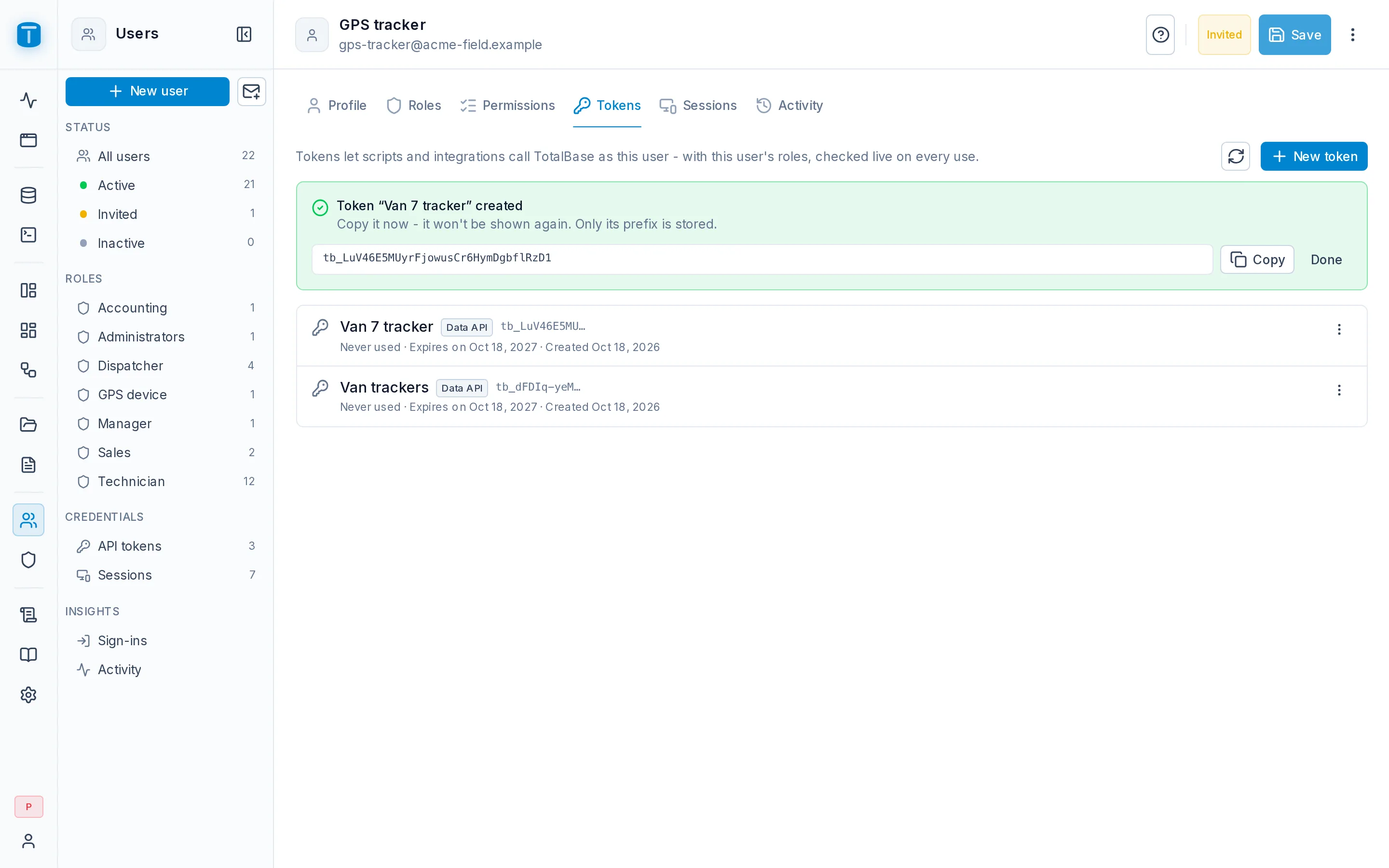
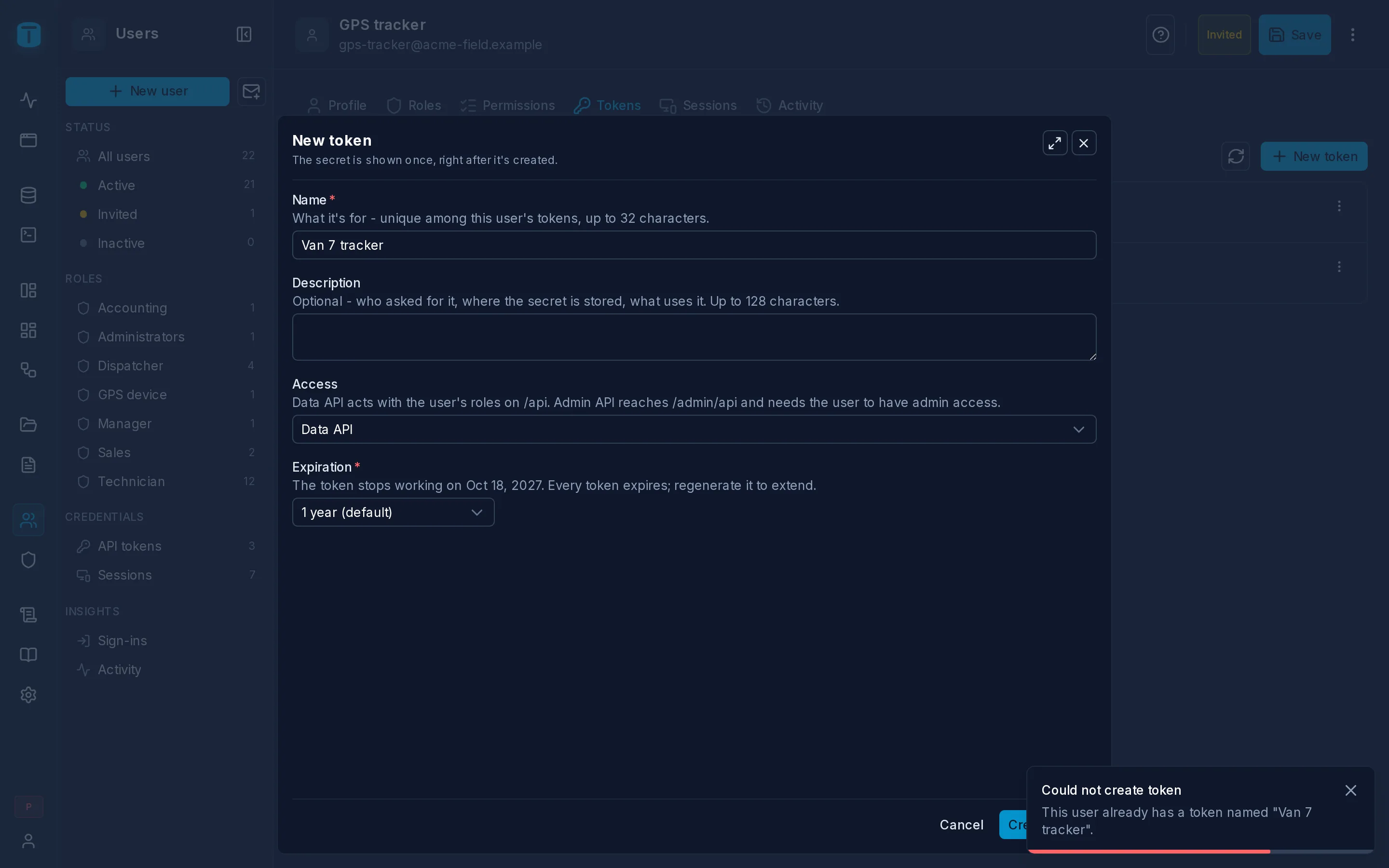
Give it a name (unique among that user's tokens), an optional description, the plane and a lifetime of 1 to 3650 days (default 365, api_keys.default_ttl_days). The token is shown once, right after it's created. TotalBase stores only a hash, so a lost token can't be recovered, only regenerated.
Regenerating without downtime
Regenerate gives a token a new secret and a new expiry, keeping its name and history. The old secret can stop working at once or keep working for a grace period (1 hour, 24 hours or 7 days) while you update whatever uses it. Then it stops by itself.
The admin flags tokens that expire within 30 days (api_keys.rotation_warning_days), so you can regenerate them in time.
Revoking
Revoke ends a token permanently. Deactivate suspends it, and it can be activated again. Revoked and expired tokens are deleted after 30 days (api_keys.purge_after_days).
What a token can't do
- A token is a program, not a person. It can't use the routes that change an account (password, email, the user's own sessions); those need a signed-in session.
plane=APItokens can't reach the Admin API.- System accounts, such as the Workflows user, never hold tokens.
Tokens in the audit log
A token's requests are logged under the token itself, not under its owner, so the audit log shows which integration did what. In Users › API tokens each token shows when it was last used.
Next steps
- Authentication: sessions versus tokens on the Data API.
- AI Agents › Tokens: a token for an AI agent.