

Roles
Members
Who holds the role, who manages it, and its access history.
In the admin: Roles › a role › Members
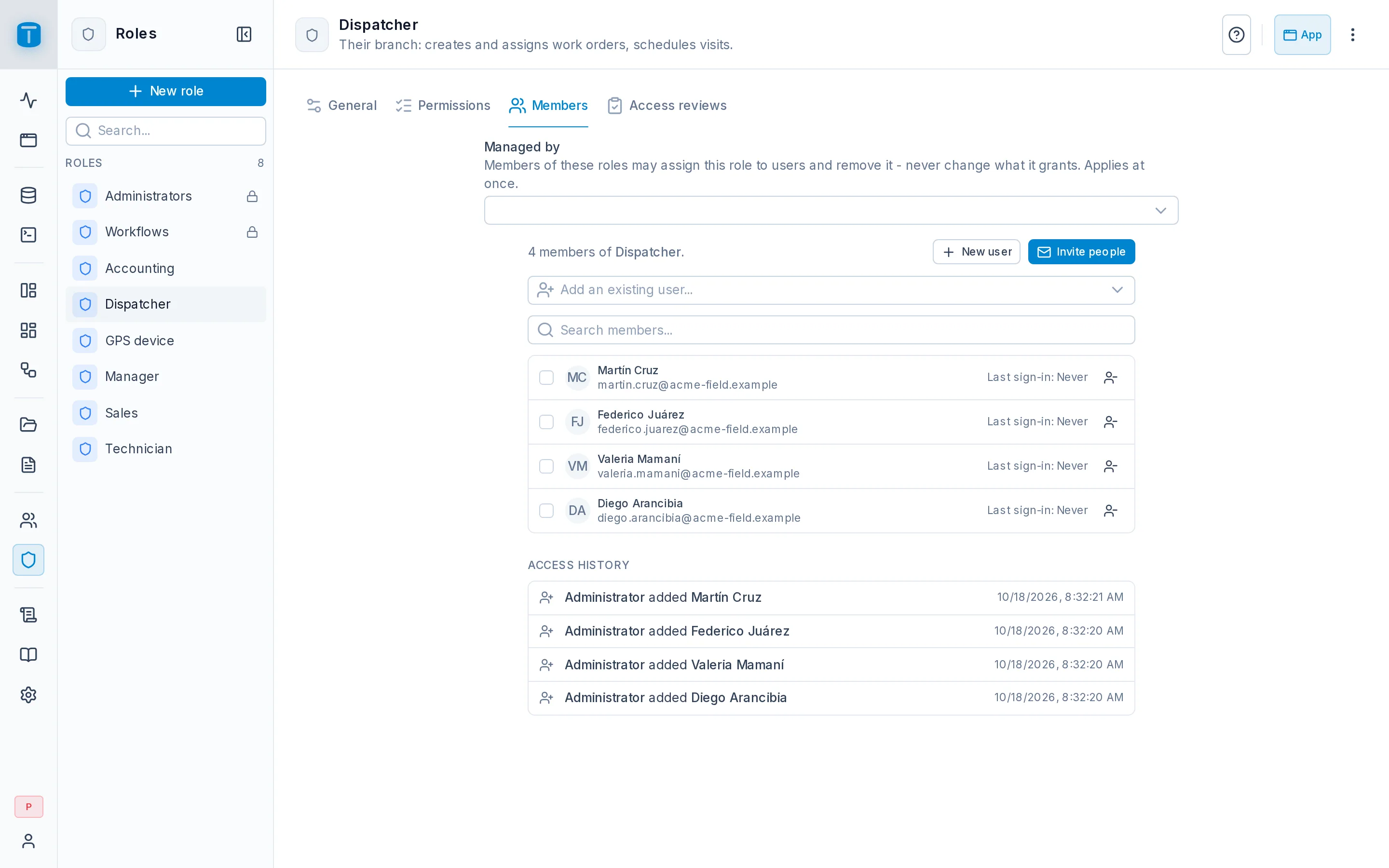
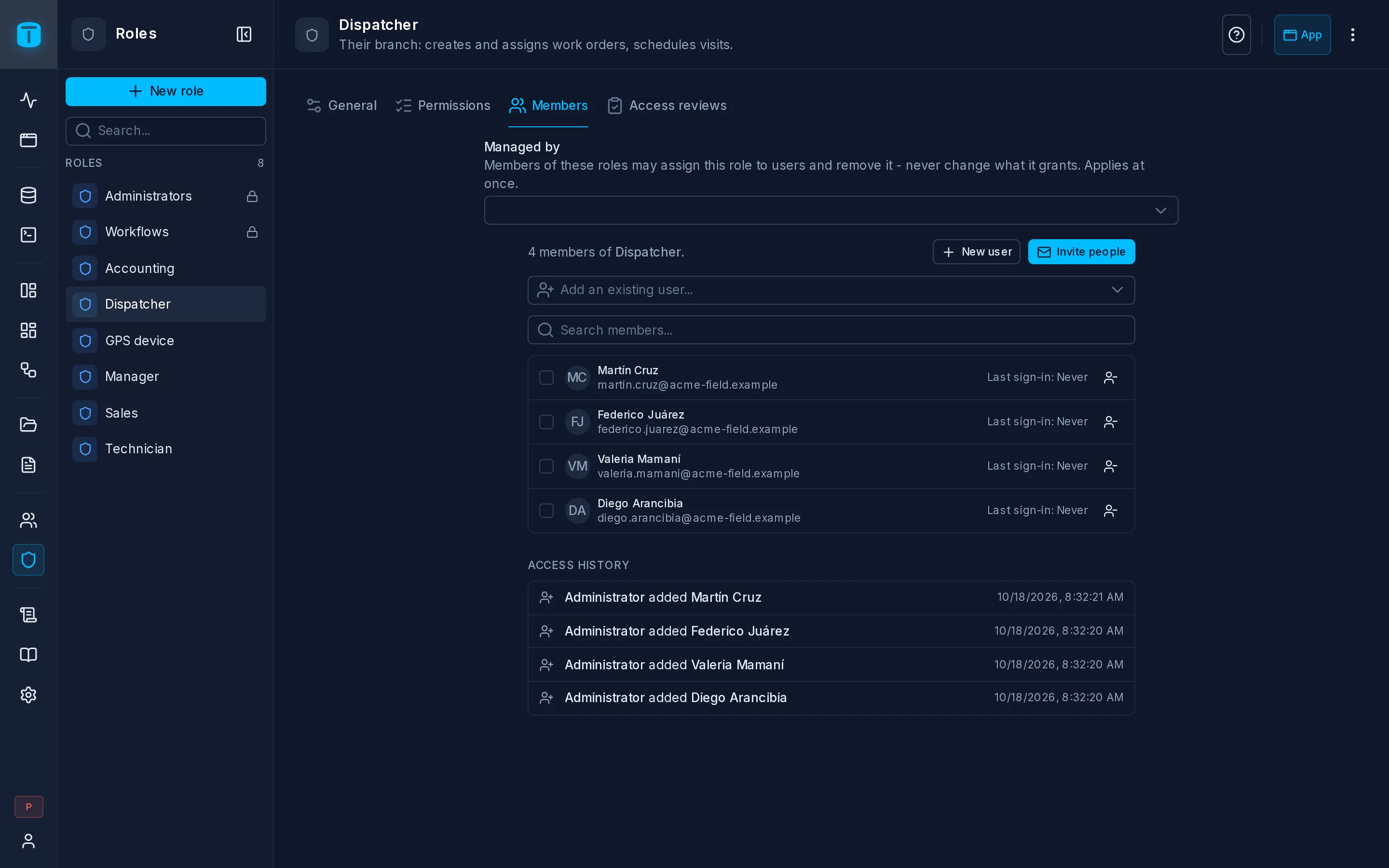
Members lists the users holding the role, with their last sign-in, and lets you add and move them.
Adding people
- Add an existing user… searches users by name or email and adds them.
- New user and Invite people create an account that starts with this role. See Managing users.
A user's roles can also be changed from their own page, under Roles.
Several at once
Select members to:
| Action | |
|---|---|
| Move to role… | give them another role and take this one away, for example when a dispatcher becomes a manager |
| Add another role… | give them another role as well |
| Remove from {role} | take this role away |
Changes apply on each person's next request, in every session and token they hold.
Managed by
Above the members of a role without Admin access, Managed by lists the roles whose members may manage this role's users without being administrators: Acme's Managers manage the technicians' accounts. See Delegated administration.
Access history
At the bottom, Access history: the role's membership changes, from the audit log.