

Installation
TotalBase runs as one container. It connects to a PostgreSQL database you provide and serves everything on one port: the admin at /admin/, the Data API at /api/, and the MCP server at /mcp.
Requirements
- PostgreSQL 15, 16, 17 or 18. 18 is recommended for new installations. TotalBase won't start on any other major version.
- A database role that is not a superuser. TotalBase can do exactly what its role can do. If you want to create tables from the admin, the role needs
CREATEon those schemas, and the simplest way to get that is to make the role the owner of the database. - Docker (or any container runtime) to run the server image.
Prepare the database
Create a role and a database it owns. As a PostgreSQL superuser:
CREATE ROLE totalbase LOGIN PASSWORD 'change-me';
CREATE DATABASE acme OWNER totalbase;
On PostgreSQL 15 and later, the public schema belongs to the database owner, so this role can create tables in public right away.
When the server first starts, it creates its own schema, totalbase, and runs its migrations there. It doesn't touch your other schemas. If a schema named totalbase already exists and holds objects TotalBase didn't create, startup stops with TOTALBASE_SCHEMA_CONFLICT and changes nothing.
Configure
TotalBase reads its configuration from environment variables. Only the database connection and the first administrator live there. Everything else is a setting you change later in the admin.
| Variable | Required | Meaning |
|---|---|---|
POSTGRES_HOST, POSTGRES_DB, POSTGRES_USER, POSTGRES_PASSWORD | yes | The connection. The role in POSTGRES_USER is the upper limit of what TotalBase can do. |
POSTGRES_PORT | no | Default 5432. |
POSTGRES_SSL, POSTGRES_SSL_CA | no | off (default), require or verify-full; a managed PostgreSQL usually wants TLS. |
TOTALBASE_MASTER_KEY | no | Encrypts stored secrets (SMTP passwords, OAuth client secrets). At least 32 characters. Never stored in the database. Unset: TotalBase generates one on the first start and keeps it in the data directory. |
TOTALBASE_DATA_DIR | no | Where TotalBase keeps what it owns on disk - a generated master key (master.key). Default /var/lib/totalbase: mount a volume there. |
TOTALBASE_ADMIN_EMAIL, TOTALBASE_ADMIN_PASSWORD | no | The first administrator, created on the first start. Unset: you create it in the browser (see The first administrator). |
TOTALBASE_SETUP_CODE | no | The code that first setup asks for, when a program sets it (at least 16 characters). Unset: TotalBase generates one. |
TOTALBASE_PUBLIC_URL | no | The address users reach the instance at, for links in emails and OAuth callbacks. The first setup asks for it too (Public URL in Settings). Unset: http://localhost:<port>. |
TOTALBASE_PORT | no | Default 3050. |
LOG_LEVEL | no | Default info. |
The master key
You don't have to create it. On the first start, without TOTALBASE_MASTER_KEY, TotalBase generates a strong key and keeps it in /var/lib/totalbase/master.key, readable by the server only; Status shows where it is. Copy that file somewhere safe, apart from the database backups:
docker compose cp totalbase:/var/lib/totalbase/master.key ./master.key
To set your own instead, put it in TOTALBASE_MASTER_KEY (at least 32 characters; a shorter one stops the start, and the error suggests one). The variable always wins over the file. TotalBase never generates a second key for an installation that already has one: if the file is gone and the variable is unset, it won't start until you restore it.
INVALID_MASTER_KEY.The first administrator
Without TOTALBASE_ADMIN_EMAIL and TOTALBASE_ADMIN_PASSWORD, the first start writes a link to its log:
TotalBase needs its first administrator - open http://localhost:3050/admin/setup?code=K7QP-M2XD-9WFA-H4TN
docker compose logs totalbase
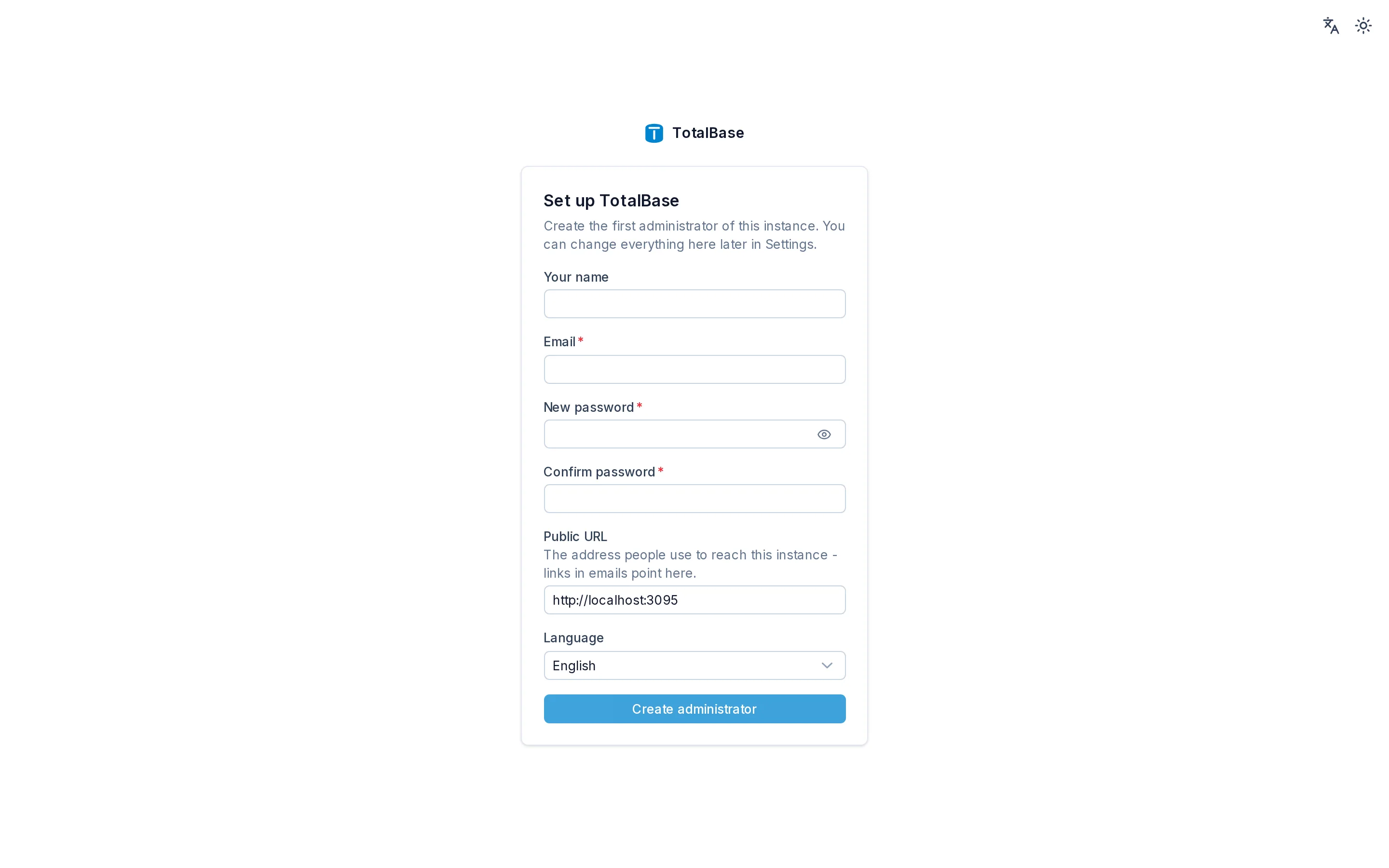
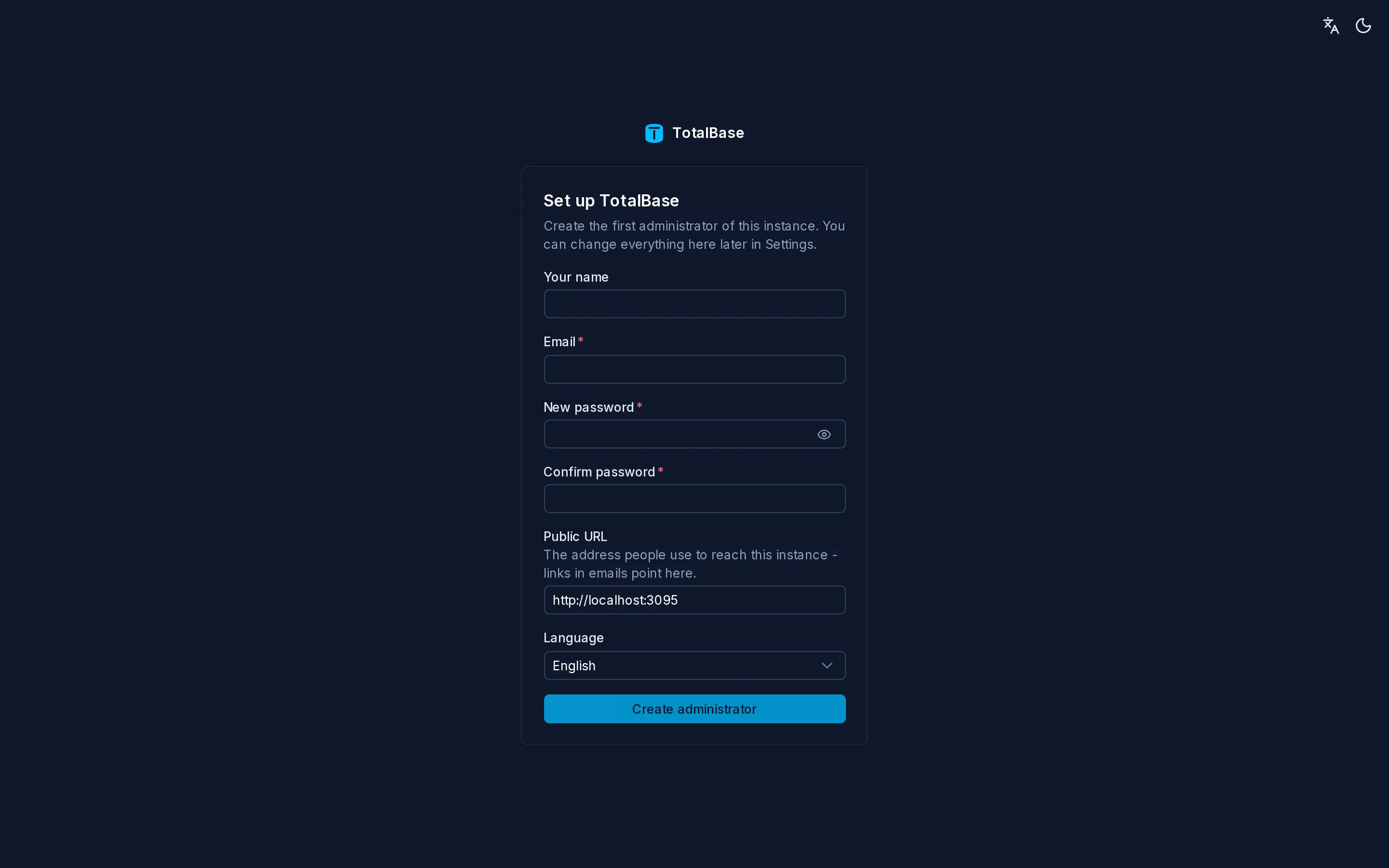
Open it - with the port you published, if not 3050 - and fill in your name, email and password, the public URL and the language; you're signed in as the administrator. The code is single-use and only someone with access to the server can read it - also in /var/lib/totalbase/setup-code if the log is gone. Once an administrator exists the setup page is gone. A program (an installer, a hosting panel) can do the same with POST /api/setup and its own TOTALBASE_SETUP_CODE.
With the two variables set, the administrator is created at the first start instead, and there is no setup page. They only matter while no user is an administrator; changing them later doesn't change the existing account. Prefer the setup: the password doesn't stay in the container's environment.
Run with Docker Compose
The image is on Docker Hub, for amd64 and arm64: totalbase/totalbase:beta follows the beta, and totalbase/totalbase:0.1.0-beta.1 pins one version. Pick the example that matches your setup: a new PostgreSQL next to TotalBase, or a PostgreSQL you already run.
docker build --target server -t totalbase:local . from the repository root, then use totalbase:local as the image.From scratch, PostgreSQL included
This docker-compose.yml starts PostgreSQL 18 and TotalBase together. The init script creates the non-superuser role and the database, as in the Prepare the database section:
services:
  postgres:
    image: postgres:18
    environment:
      POSTGRES_PASSWORD: ${POSTGRES_SUPERUSER_PASSWORD}
      TOTALBASE_DB_PASSWORD: ${TOTALBASE_DB_PASSWORD}   # read by the init script
    volumes:
      - pgdata:/var/lib/postgresql
      - ./postgres-init:/docker-entrypoint-initdb.d:ro
    healthcheck:
      test: ["CMD-SHELL", "pg_isready -U postgres -d acme"]
      interval: 5s
      retries: 20

  totalbase:
    image: totalbase/totalbase:beta
    depends_on:
      postgres:
        condition: service_healthy
    environment:
      POSTGRES_HOST: postgres
      POSTGRES_DB: acme
      POSTGRES_USER: totalbase
      POSTGRES_PASSWORD: ${TOTALBASE_DB_PASSWORD}
    volumes:
      - data:/var/lib/totalbase       # uploaded files and the generated master key
    ports:
      - "3050:3050"

volumes:
  pgdata:
  data:
#!/bin/bash
set -euo pipefail
psql -v ON_ERROR_STOP=1 --username "$POSTGRES_USER" --dbname postgres <<EOSQL
CREATE ROLE totalbase LOGIN PASSWORD '${TOTALBASE_DB_PASSWORD}';
CREATE DATABASE acme OWNER totalbase;
EOSQL
Put the passwords in an .env file next to docker-compose.yml:
POSTGRES_SUPERUSER_PASSWORD=change-me-too
TOTALBASE_DB_PASSWORD=change-me
Then start both services:
docker compose up -d
docker compose logs totalbase   # the link to create the first administrator
Against a PostgreSQL that is already running
With a PostgreSQL of your own (on another server, a managed service, or the host machine), TotalBase is the only service. Create its role and database there first, as in Prepare the database, and point the connection at it:
services:
  totalbase:
    image: totalbase/totalbase:beta
    environment:
      POSTGRES_HOST: db.example.internal    # host.docker.internal for a PostgreSQL on this machine
      POSTGRES_PORT: 5432
      POSTGRES_DB: acme
      POSTGRES_USER: totalbase
      POSTGRES_PASSWORD: ${TOTALBASE_DB_PASSWORD}
      POSTGRES_SSL: require                 # most managed services want TLS; off on a local network
    extra_hosts:
      - "host.docker.internal:host-gateway"   # only for a PostgreSQL on this machine
    volumes:
      - data:/var/lib/totalbase       # uploaded files and the generated master key
    ports:
      - "3050:3050"

volumes:
  data:
The same .env, without POSTGRES_SUPERUSER_PASSWORD. Then docker compose up -d. A PostgreSQL on this machine must accept connections from Docker's network: listen_addresses in postgresql.conf and a host line in pg_hba.conf for the role.
The database may already hold your tables. TotalBase adds only its own totalbase schema; your tables show up as resources, hidden until you expose them.
In both examples the files volume holds uploaded files. Back it up together with the database.
Check that it's running
curl http://localhost:3050/health/ready
# {"status":"ready"}
/health/live answers as soon as the process is up. /health/ready answers once migrations have run and the database is reachable. Use it for a load balancer's health check.
Open the link from the log to create the first administrator (http://localhost:3050/admin/ takes you there too, and asks for the code). With TOTALBASE_ADMIN_EMAIL and TOTALBASE_ADMIN_PASSWORD set, sign in with them instead.
What happens on startup
Each start runs the same sequence. If any step fails, the process stops before it accepts requests:
- Connect to PostgreSQL and check the major version (15-18).
- Create the
totalbaseschema if it doesn't exist, and apply pending migrations, each one in its own transaction. - Check the master key - the variable, else the file in the data directory, else (a new installation only) a new one.
- Create the first administrator from the variables if no user is an administrator yet; without them, write the setup link to the log.
- Read the PostgreSQL catalog and register every table, view and function as a resource. New resources start hidden.
- Start listening, and start the background workers.
Next steps
- Quickstart with AI: describe an application and let an agent build it.
- Quickstart by Hand: build a table, a kanban board and a dashboard yourself.
- Deployment: TLS, a reverse proxy and the public URL in production.
- Backup and restore.
Introduction
What TotalBase is: a PostgreSQL application platform you can build by hand or by describing what you need to an AI agent.
Quickstart with AI
Describe the application you need in plain language, and an AI agent builds it in TotalBase: tables, rules, roles, screens, dashboards and workflows.