

Security
In the admin: Dashboards › a Dashboard › Settings › Security
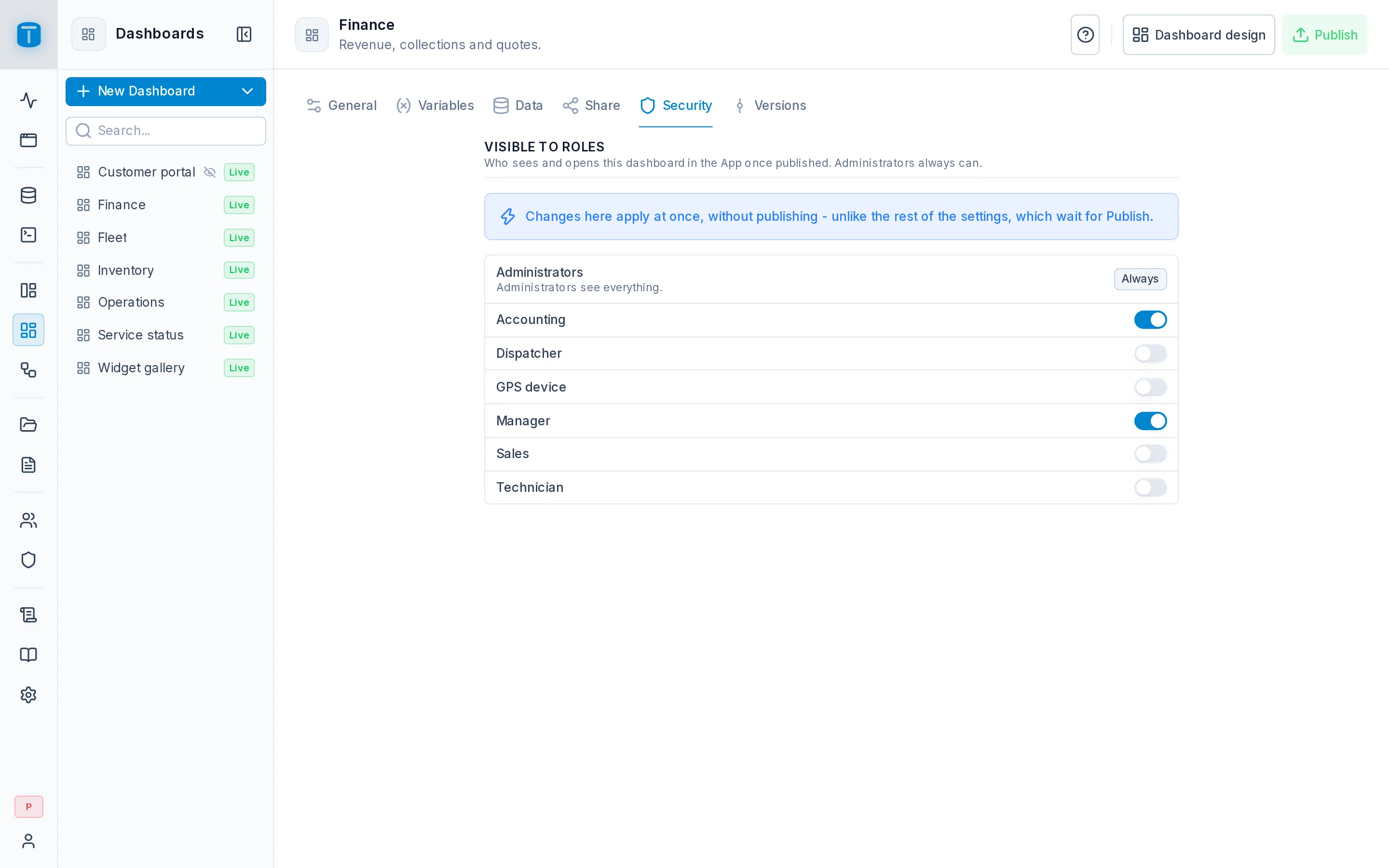
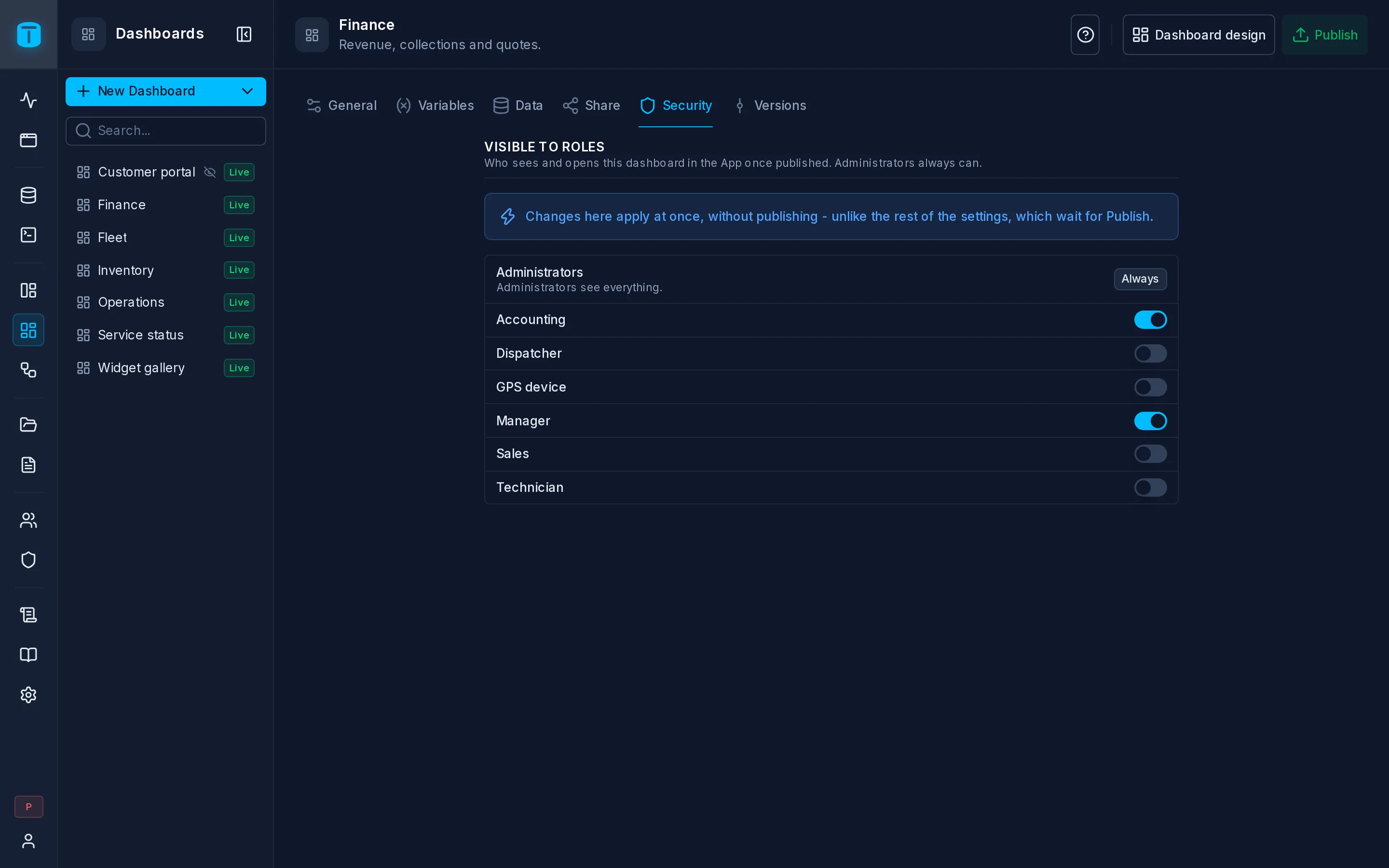
Security lists the roles under Visible to roles, each with a switch: the roles switched on see the dashboard in the App and open it once it's published. Changes apply at once, without publishing; what those roles then see is the live version.
The list
- Administrators are always on: they open every dashboard.
- Each role has its switch, applied as you flip it.
- Inactive roles are dimmed.
- Past ten roles, a search with All and None.
A new dashboard has no roles, so only administrators see it until you switch some on. A copy made with Duplicate… or Save as… starts with none too.
What a grant gives
A dashboard is a report, not a window on the tables. Its widgets run with the dashboard's authority: row filters and field permissions don't apply to its queries. Every role switched on sees everything its queries return, whatever that role may read through the Data API or a DataView.
That's what makes Acme's Finance dashboard work: Accounting sees revenue by customer, though its queries read tables Accounting has no permission on. It's also why the grant matters:
$USER: WHERE wo.branch = $USER.branch shows each dispatcher only their branch.A $VAR never restricts: a viewer can send any value. See Variables.
Two levels, and the difference with DataViews
| A DataView | A dashboard | |
|---|---|---|
| Who opens it | the roles switched on in its Security | the roles switched on here |
| What its data is | the viewer's own permissions, row filters and field grants, on every read | what the published queries return, the same for every role |
| Per-viewer rows | the role's row filters | $USER in the query |
See Object access.
Denied looks missing
A dashboard a user may not open, one that doesn't exist and one that was never published all answer the same way: Dashboard not available. Users can't find out which dashboards there are.
What this isn't
- Turning off Show in the App menu hides the dashboard from the menu; it doesn't change who may open it. See General.
- Embedding in a DataView page doesn't grant it: a viewer of that page without the dashboard's grant sees that it isn't available.
- Embeds are the one way in without a role: a public link or a signed embed an administrator created. See Share.
Next steps
- Versions: the published history.
- Object access: the same model for DataViews and workflows.