

User Profile
My Account
Opening your account, and its Profile: name, email, avatar, password and sign-in.
In the admin: avatar › My account › Profile
Everyone who signs in has My account: administrators and App users alike. Open it from your avatar at the bottom of the rail. The same menu has your email, Light, Dark or System for the theme, and Log out.
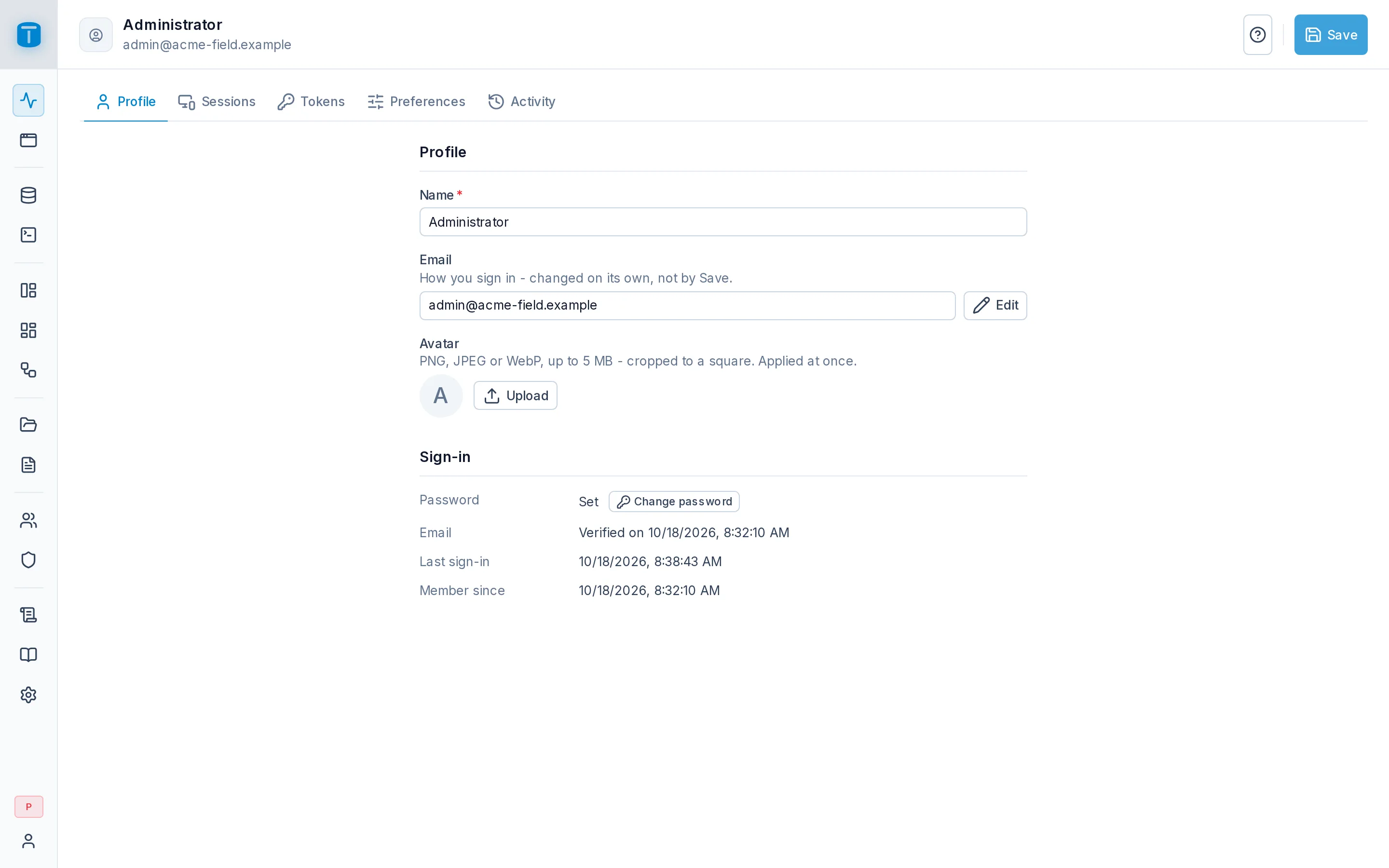
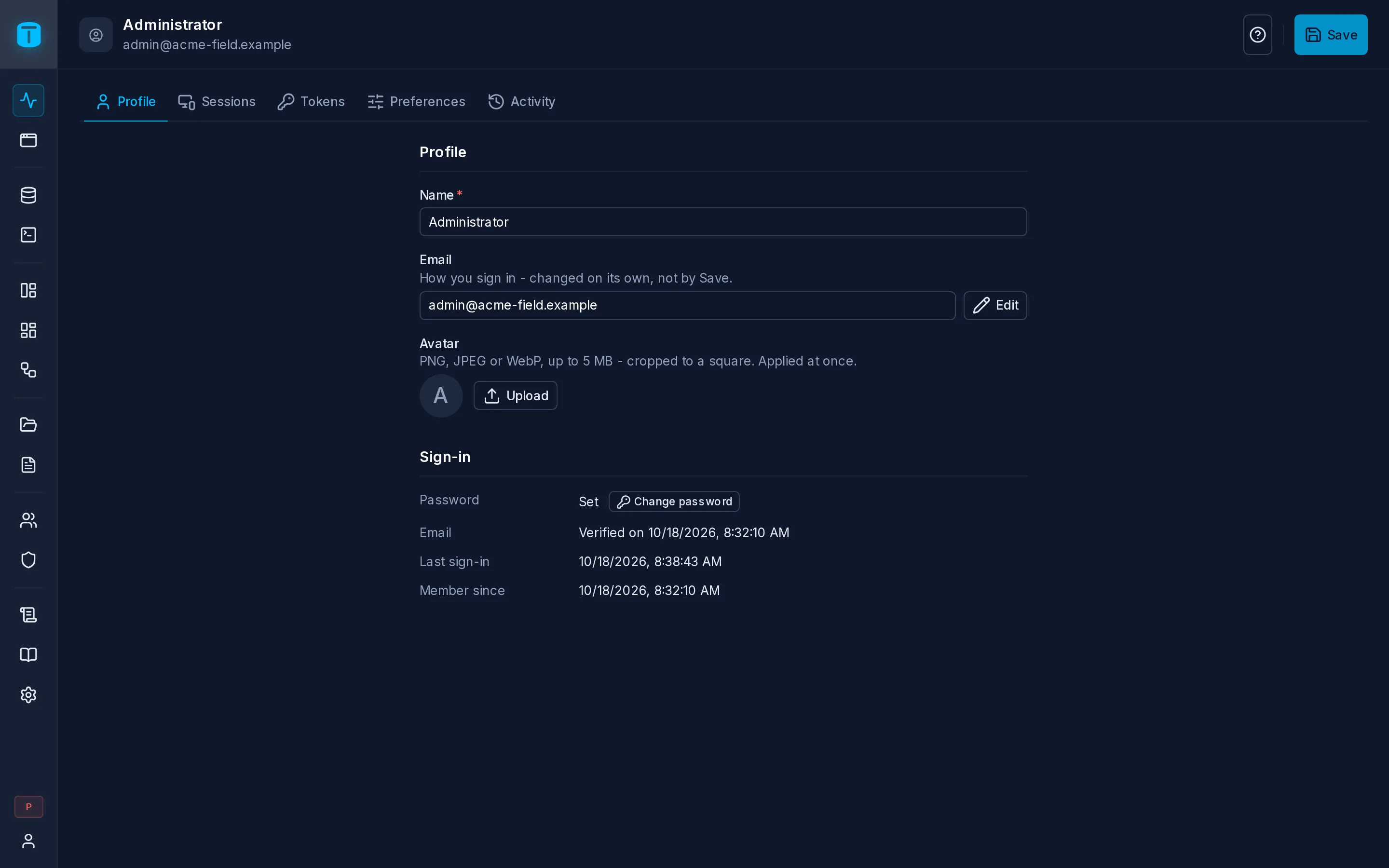
My account has five tabs: Profile, Sessions, Tokens (if you may hold tokens), Preferences and Activity (if you may read the audit log).
Profile
| Field | |
|---|---|
| Name | saved with Save |
| Edit opens Change your email: the new address and your current password. The new address stays unverified until you confirm it from the email you receive, and the old one is notified | |
| Avatar | upload a PNG, JPEG or WebP up to 5 MB, use the picture from your sign-in provider, or remove it. Applies at once |
Sign-in
| Password | Change password: your current password, the new one twice (or Generate a secure password), and whether to Sign out my other sessions. If you sign in only with a provider, it says so |
| Verified on a date, or Not verified with Resend verification | |
| Last sign-in, Member since |
Your roles and permissions aren't here: an administrator manages them.