

An Entry
In the admin: Logs › an entry
Clicking an entry opens it in a side panel, Audit log entry.
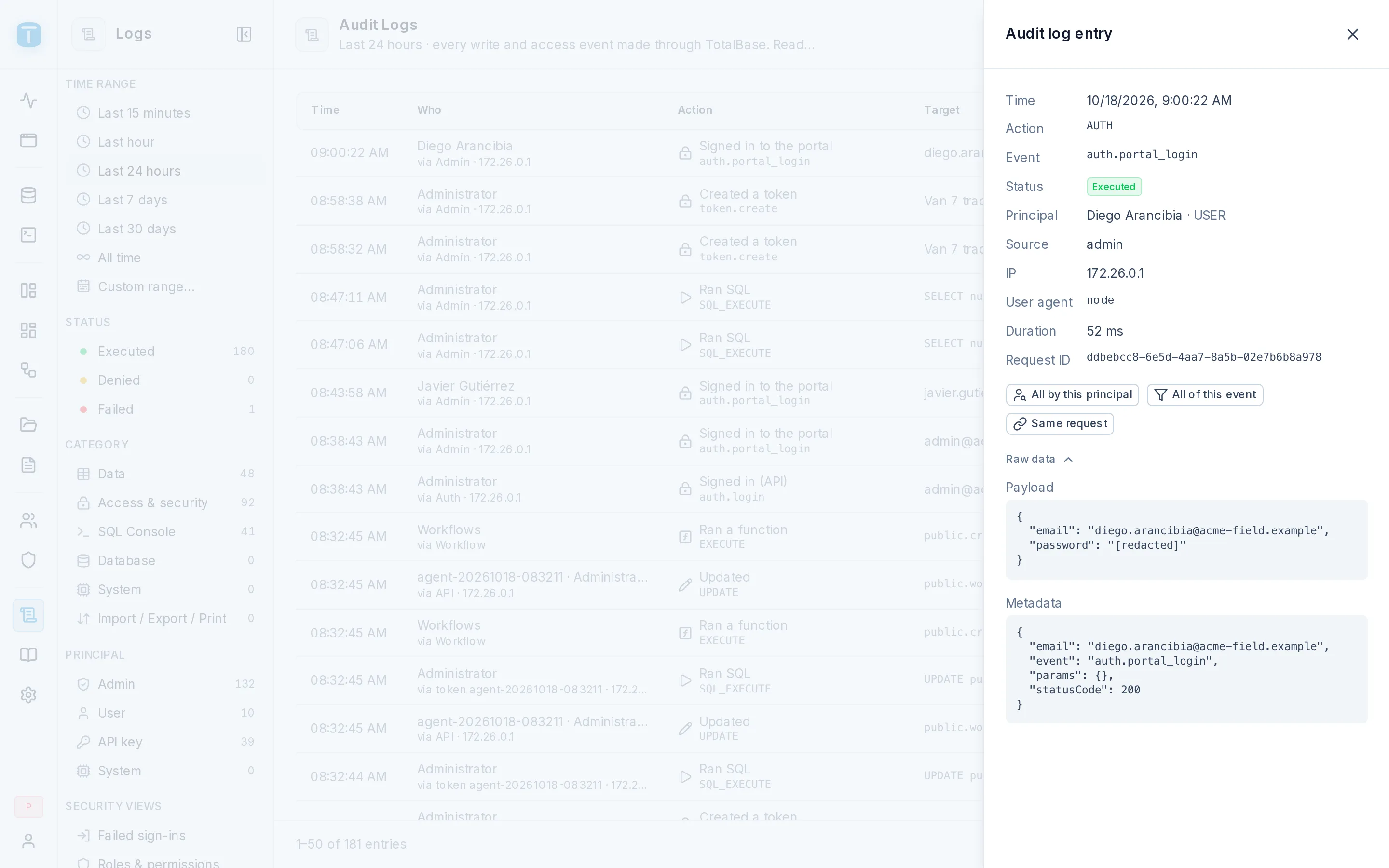
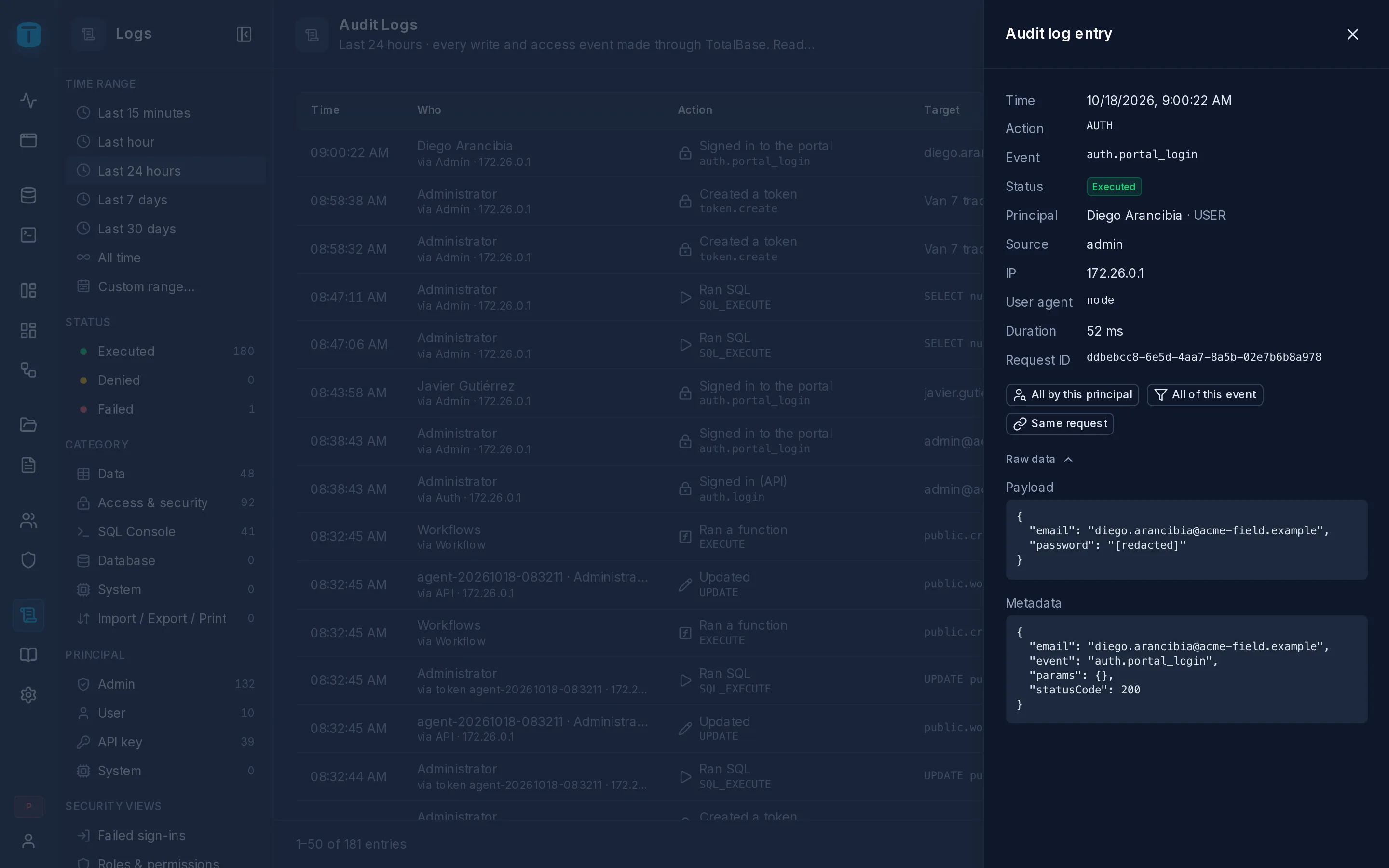
Details
| Field | |
|---|---|
| Time, Action, Event, Status | |
| Principal | who, and which kind: a user, an API key, the system |
| Resource | what it touched |
| Source, IP, User agent | where it came from: an agent through the MCP server shows TotalBase MCP |
| Duration, Request ID |
Pivots
Four buttons narrow the list to related entries: All by this principal, All of this event, All on this resource, Same request. Same request finds everything one request did: a nested write's three tables, a transaction's twelve operations.
The error
A Denied or Failed entry shows its error: the TotalBase code, and for a PostgreSQL error its SQLSTATE, detail and hint. A CHECK_VIOLATION names the constraint that refused the row. See Errors.
SQL
An entry that ran SQL shows the statement: a SQL Console run, a schema change, a maintenance task. Data API writes show theirs when Store SQL statements is on.
The changes
For a write, the panel compares the row before and after:
| Created row | every field of the new row |
| Deleted row | every field of the removed row |
| Changes · 3 fields | Field, Before, After, only what changed |
When the log has no earlier state of the record, it shows the row after the update instead of a diff, and says so. Columns a table's Auditing leaves out aren't recorded.
Raw data, folded at the bottom, has the entry as stored: payload, changes, filter and metadata.