

General
In the admin: Settings › General
Settings holds the instance's own configuration, in five groups: General, Access, Security, Data API and Features. These pages list every setting with its label, key, default and limits; the key is what the API, the MCP server and get_settings use.
How settings pages work
- Changes are a draft until you Save, in the footer; Cancel drops them. A group is saved whole or not at all.
- A setting that differs from its default shows Modified, with Restore default. Saving a value equal to the default removes it.
- A setting that depends on a switch that's off is dimmed: No effect while "…" is off.
- The Settings sidebar's search finds any setting by its label, description or key.
- Some settings apply only after the server restarts; their page says so.
General
Settings › General › General
General holds the instance's identity, language and date formats.
Instance
| Setting | Key | Default | |
|---|---|---|---|
| Public URL | system.public_url | empty | The address people reach the instance at, such as https://ops.acme-field.example. Invitation, reset and sign-in links are built from it, never from the request's host. Empty: the TOTALBASE_PUBLIC_URL environment variable. An absolute http(s) URL, no query or fragment |
| Instance name | system.instance_name | TotalBase | How the instance names itself: beside its mark, in the browser tab and in the emails it sends. 1 to 64 characters |
| Logo | system.logo | empty (TotalBase's mark) | Your mark in the rail, the sign-in page and public pages. A public image from Files; PNG or SVG with transparency works best |
Language
| Setting | Key | Default | |
|---|---|---|---|
| Default language | system.language | en | English or Español: the interface for users who chose none, and for pages with no user (sign-in, reset, embeds). Data is never translated |
Date & time
| Setting | Key | Default | |
|---|---|---|---|
| Timezone | system.timezone | empty | The organization's time zone: dates and times are shown in it, and "this month" is counted in it. Empty: each viewer's browser time zone |
| Users can choose their own timezone | system.timezone_user_choice | off | Off: everyone uses the Timezone above. Needs a Timezone set |
| Default date format | system.date_format | empty | A pattern such as dd/MM/yyyy. Empty: the browser's format |
| Default time format | system.time_format | empty | Such as HH:mm |
| Default date/time format | system.datetime_format | empty | Such as dd/MM/yyyy HH:mm |
Each user can override the language and formats in My account › Preferences.
Appearance
Settings › General › Appearance
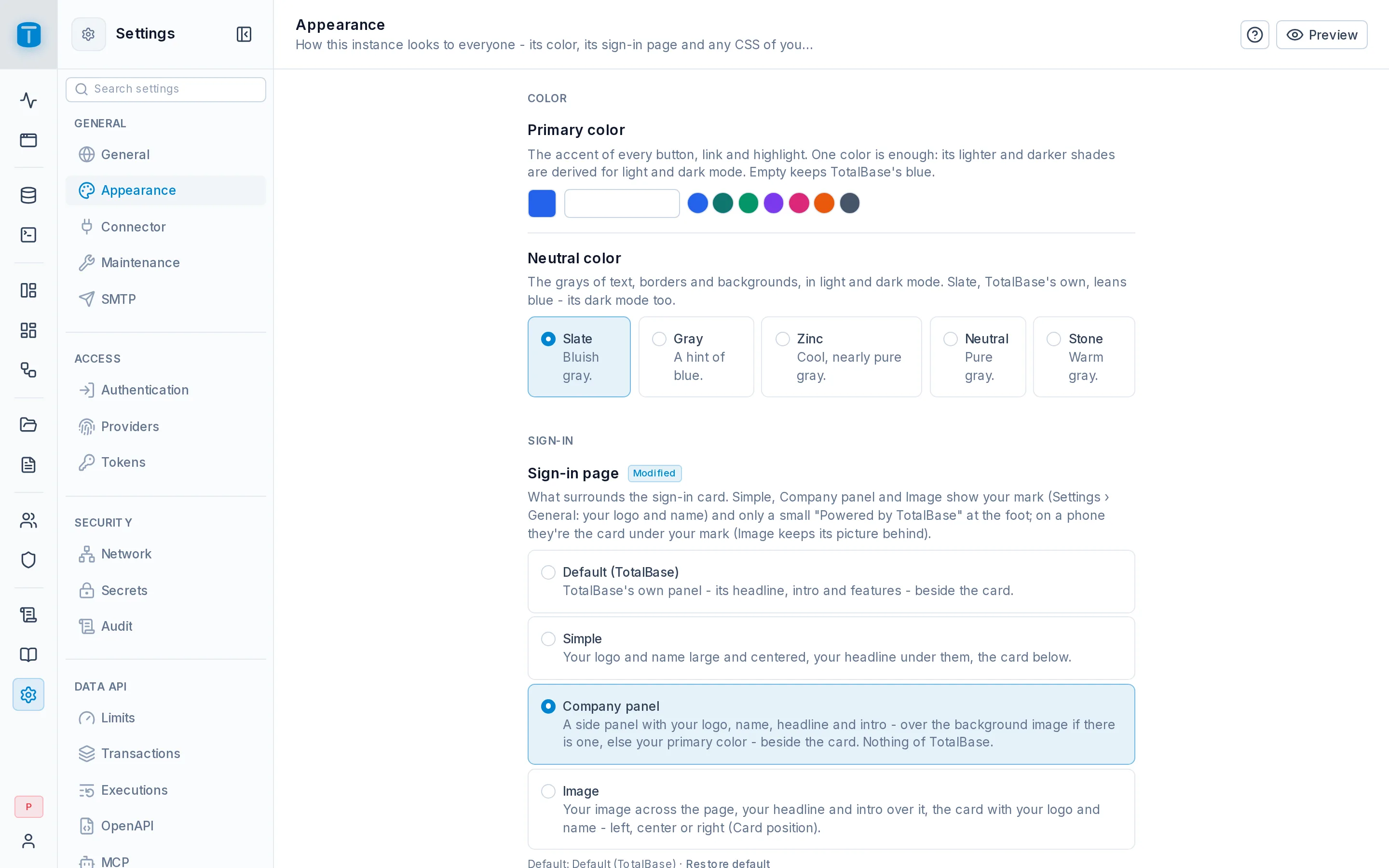
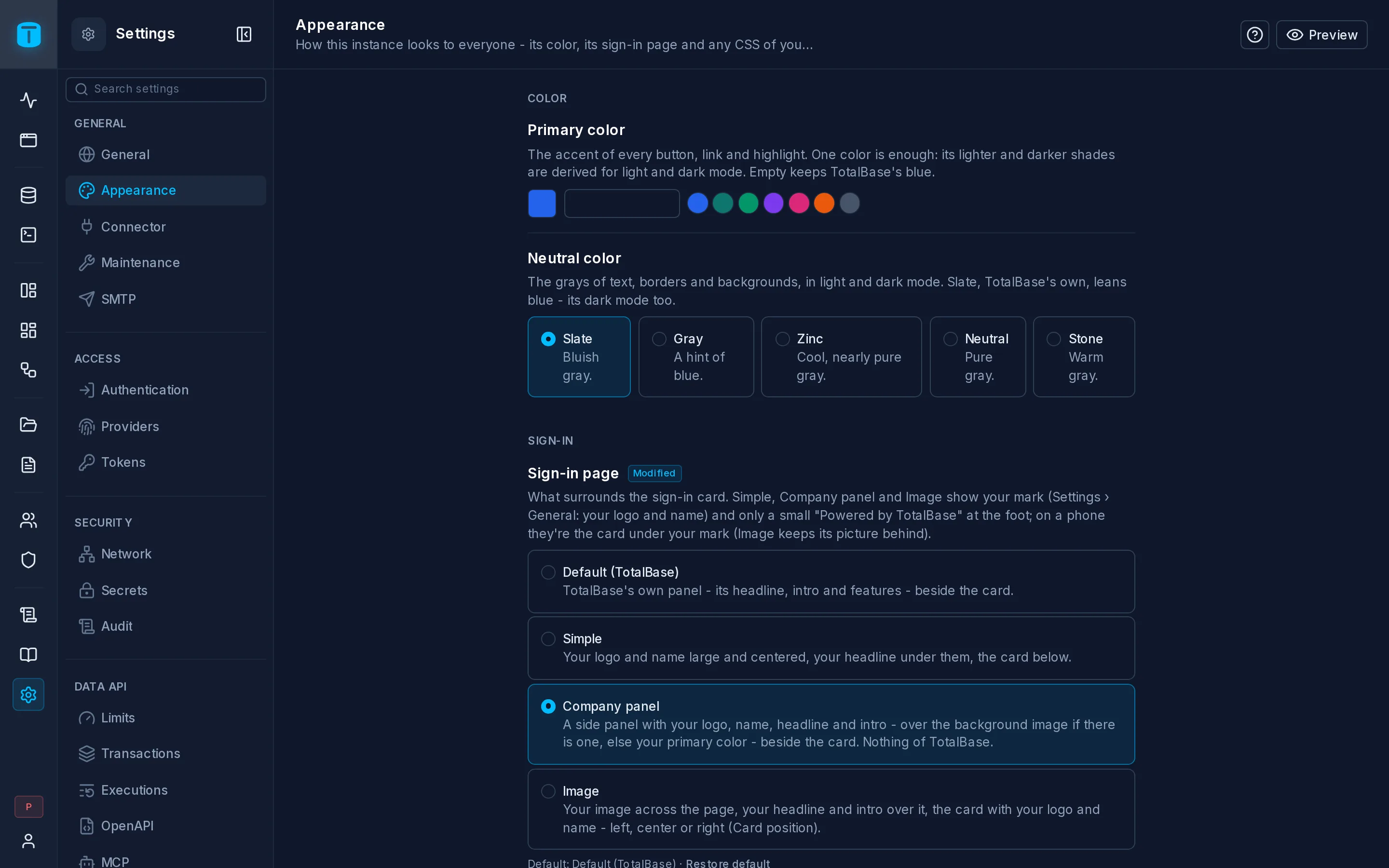
Appearance sets how the instance looks to everyone: its colors, its sign-in page and any CSS of your own. All of it is public: it reaches the browser before anyone signs in.
Preview, in the header, applies the unsaved colors and CSS to your window, without saving; Stop preview goes back.
Color
| Setting | Key | Default | |
|---|---|---|---|
| Primary color | appearance.primary_color | empty (TotalBase's blue) | The accent of buttons, links and highlights, as #rrggbb. Lighter and darker shades for light and dark mode are derived from it |
| Neutral color | appearance.neutral_color | slate | The grays of text, borders and backgrounds: Bluish gray (slate), A hint of blue (gray), Cool, nearly pure gray (zinc), Pure gray (neutral), Warm gray (stone) |
Sign-in
| Setting | Key | Default | |
|---|---|---|---|
| Sign-in page | appearance.login_layout | SPLIT | What surrounds the sign-in card: Default (TotalBase), Simple, Company panel or Image. Simple, Company panel and Image show your logo, with a small Powered by TotalBase |
| Card position | appearance.login_card_position | RIGHT | Left, center or right: where the Image layout's card sits on a wide screen |
| Background image | appearance.login_background | empty | The Image layout's and the Company panel's background: a public image from Files, 1920 px wide or more |
| Headline | appearance.login_headline | empty | Your words on the sign-in page, up to 120 characters |
| Intro | appearance.login_intro | empty | Under the headline, up to 300 characters |
Custom CSS
| Setting | Key | Default | |
|---|---|---|---|
| Custom CSS | appearance.custom_css | empty | CSS applied last, on every page. Up to 64 KB, no @import |
The editor offers ready-made themes (Navy, Slate, Graphite, Forest, Ocean, Plum, Paper) and Examples: font size, typeface, corner radius, background and text colors, the rail's and side panel's colors, header backgrounds, the App only, sign-in pages only.
Write against the stable hooks: the --ui-* color tokens, .dark, html[data-surface] and [data-shell]. Other class names can change between versions.
?safe-css at the end of the address: it loads without your CSS, so you can fix it.Connector
Settings › General › Connector
Connector sets how TotalBase connects to PostgreSQL, and how it follows changes you make to the schema outside it.
Connection pool
TotalBase keeps a pool of connections to PostgreSQL, shared by every request, workflow and background job. These four settings apply after the server restarts; until then the page shows the value still in use.
| Setting | Key | Default | Range | |
|---|---|---|---|---|
| Maximum connections | pool.max | 20 | 2-1000 | Keep it under PostgreSQL's max_connections, minus what other clients use |
| Idle timeout | pool.idle_timeout_ms | 30000 ms | ≥ 1000 | An unused connection is closed after this |
| Connection timeout | pool.connection_timeout_ms | 5000 ms | ≥ 100 | How long a request waits for a free connection |
| Maximum connection lifetime | pool.max_lifetime_ms | 3600000 ms (1 h) | ≥ 0 | A connection is replaced after this. 0: never |
Schema sync
TotalBase keeps a picture of your schema (tables, columns, constraints) read from PostgreSQL's catalog. These settings decide when it's read again.
| Setting | Key | Default | Range | |
|---|---|---|---|---|
| Watch for schema changes | catalog.watch_interval_seconds | 15 s | 0-3600 | Checks for changes made outside TotalBase (psql, a migration tool) and syncs when it finds some. 0: off |
| Scheduled sync | catalog.refresh_interval_minutes | 10 min | 0-1440 | A full re-read, as a safety net. 0: off |
| Sync after SQL Console runs | catalog.auto_refresh_after_ddl | on | Re-reads after each SQL Console run. Changes made in Database › Tables always sync | |
| Sync descriptions with COMMENT ON | catalog.track_comments | on | A resource's description and its COMMENT ON fill each other |
Sync resources, in Database, re-reads it at once.
Maintenance
Settings › General › Maintenance
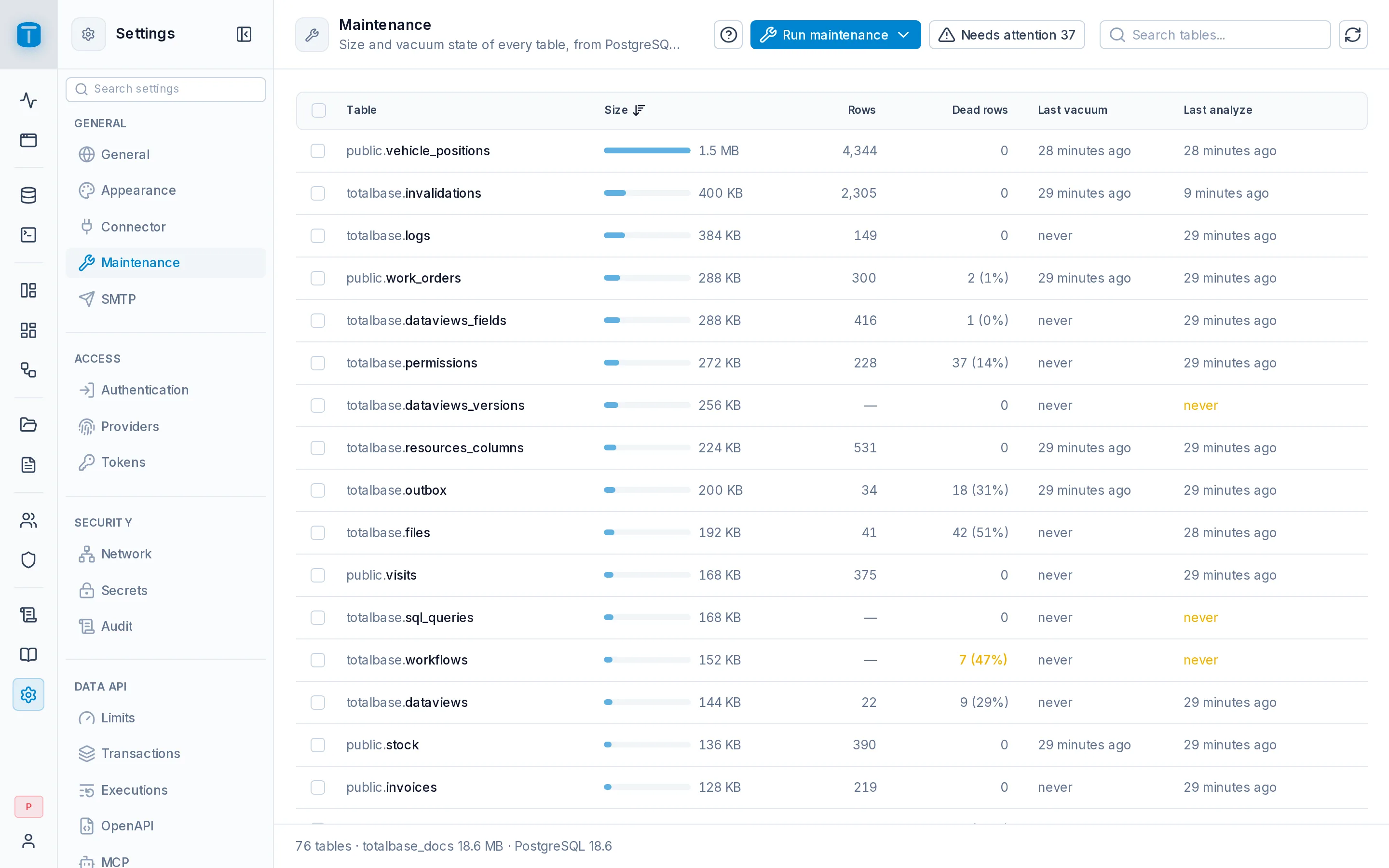
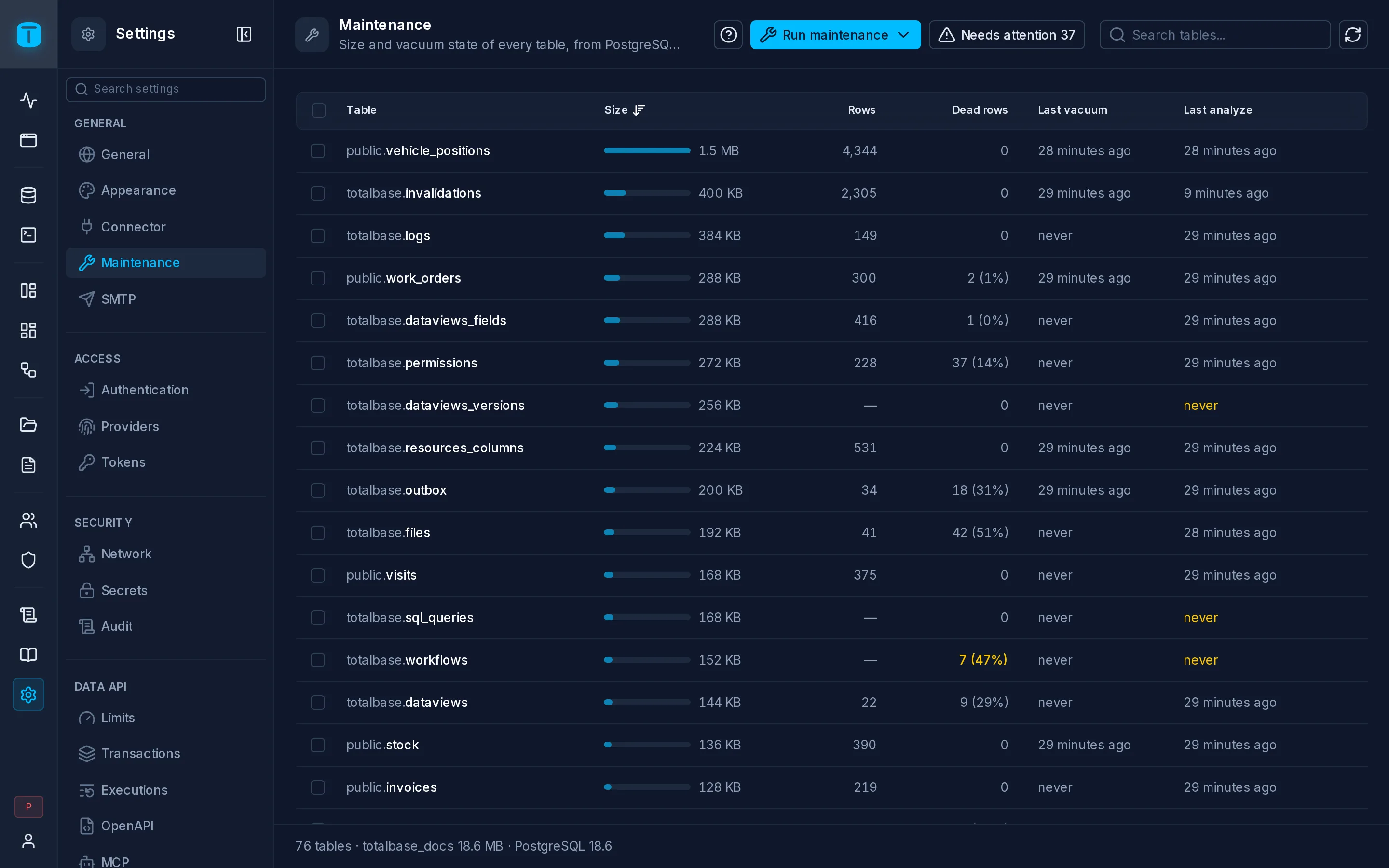
Maintenance shows the size and vacuum state of every table, from PostgreSQL's own statistics, and runs VACUUM, ANALYZE and REINDEX without opening a SQL client. It has no settings: PostgreSQL's autovacuum does most of this on its own, and this page is for when it hasn't.
The list
| Column | |
|---|---|
| Table | with Partitioned, Materialized view, or a lock for a table TotalBase's role doesn't own (Owned by …), which it can't maintain |
| Size | |
| Rows, Dead rows | dead rows are left by updates and deletes until a vacuum reclaims them |
| Last vacuum, Last analyze |
Largest first. Needs attention shows only tables with at least 1000 dead rows that are 10% or more of the table, or with rows but never analyzed. Acme's vehicle_positions, purged every night, is the usual one.
The footer shows the number of tables, the database's name and size, and the PostgreSQL version.
Running maintenance
- Run maintenance, in the header: Vacuum tables with dead rows, Analyze tables never analyzed, Rebuild invalid indexes, each with how many tables it covers.
- Select tables and choose Vacuum, Analyze or Reindex.
- A table's panel has the same three actions, and Reindex per index.
| Action | |
|---|---|
| Vacuum | reclaims dead rows and refreshes the planner's statistics |
| Analyze | only refreshes the statistics |
| Reindex | rebuilds every index, concurrently |
They run in the background, without blocking the table. A batch over several tables shows its progress and can be stopped; while it runs, Maintenance shows Running in the sidebar. Each run is recorded in the audit log.
A table's panel
Clicking a table shows its last five maintenance runs and their status, its size (total, table, indexes, TOAST), its rows and every vacuum and analyze date, and each index: its size, whether it's primary, unique or invalid, how often it has been used, and its definition. An index never used since the statistics were reset is a candidate to drop.
SMTP
Settings › General › SMTP
SMTP is the mail relay TotalBase sends through: system emails such as invitations and password resets, and workflows' Send email steps. Without a host and a from address, sending fails with 409 SMTP_NOT_CONFIGURED.
| Setting | Key | Default | |
|---|---|---|---|
| SMTP host | smtp.host | empty | Empty: SMTP isn't configured |
| SMTP port | smtp.port | 587 | 1-65535. Usually 587 (STARTTLS) or 465 (implicit TLS) |
| Use implicit TLS | smtp.secure | off | TLS from the start, instead of STARTTLS |
| SMTP username | smtp.username | empty | Empty for a relay without authentication |
| SMTP password (secret key) | smtp.password_secret_key | none | The key of a secret holding the password: it's never stored in plain text |
| From address | smtp.from | empty | The sender of every email, such as Acme Field Services <ops@acme-field.example> |
Testing
Both buttons use the saved settings: save first.
- Test connection connects and authenticates without sending anything: Connection works or Connection failed with the server's answer.
- Send test email sends one to the address you give (yours by default).