

Drafts and Publishing
DataViews, Dashboards and Workflows are the three things you build in TotalBase. All three are versioned the same way: you edit a draft, and users only ever see a published version.
Draft and versions
- The draft is what the editor shows. Every change is saved into it automatically, right away for a click and after a short pause while you type or drag. There is no Save button, only a quiet status in the header: Saving…, Saved. The draft has no version number.
- A version is an unchangeable snapshot of the draft, numbered 1, 2, 3, … You create one with Publish, and only with Publish.
- The live version is always the highest number. It's what users open in the App and what runs when a workflow is triggered.
When the draft differs from the live version, the editor shows an Unpublished changes badge. You can rearrange a dashboard all morning while users keep seeing yesterday's, and publish when it's ready.
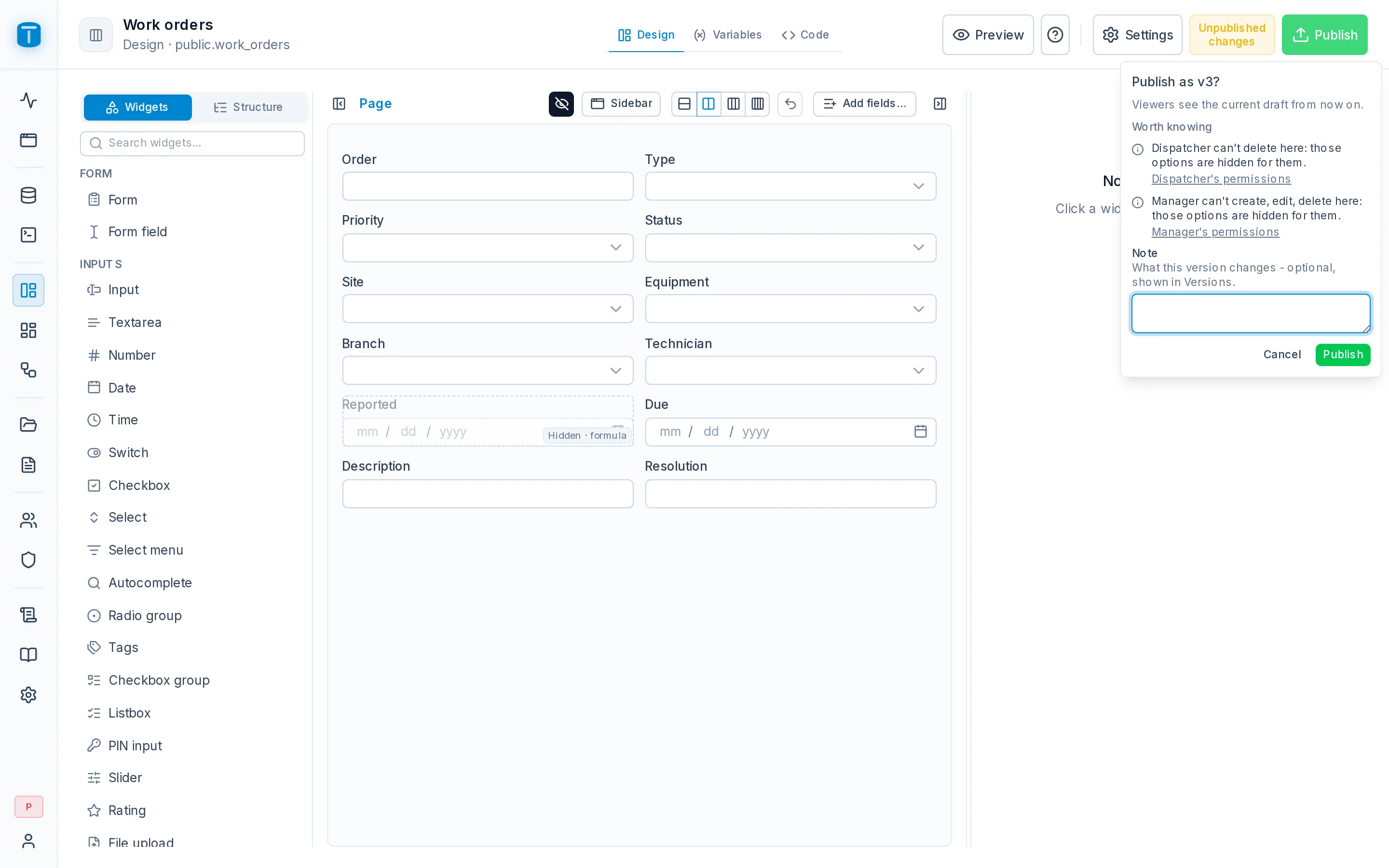
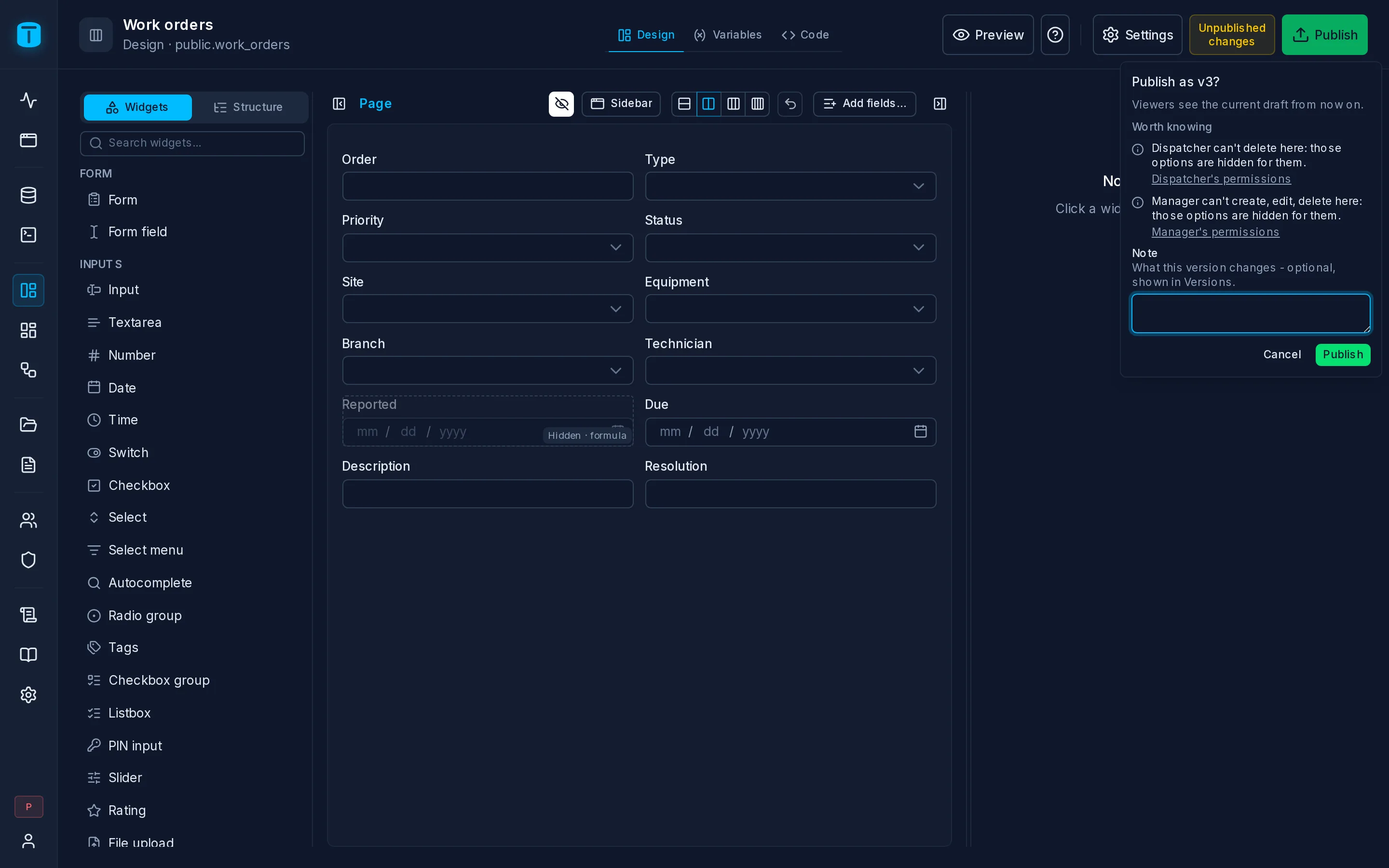
Publish
Publish asks for confirmation ("Publish as v4?") and accepts an optional note about what the version changes. The note shows up in the history. Publishing an unchanged draft does nothing.
Each kind of object checks something before it publishes:
- A DataView publishes together with the detail DataViews it contains: a work order's form and its Visits, Parts and Photos panels go live together.
- A Workflow is checked for a valid design and for everything it needs to run. Publishing doesn't turn a workflow on; that is a separate switch.
Going back
Open Versions in the editor header, or the Versions section of the object's settings, to see the history: who published each version, when, and with what note.
- Open a version to see it read-only, as users saw it.
- Restore copies that version into the draft. It publishes nothing. Publish to make it live again, which creates a new version recorded as "restored from v2". History only moves forward, so the live version is always the latest.
- Save as… turns a version into a new, separate object with its own draft.
- Delete old versions… removes versions below a number you choose. The live version is never deleted.
What isn't versioned
Some things apply immediately, without Publish:
- the object's identity: name, description, icon, color, its label in the App menu;
- who may open or run it: the roles granted on a DataView or dashboard, and the roles that may invoke a workflow;
- a workflow's on/off switch and its history settings.
Granting a role access to a DataView applies at once, and what that role sees is the live version.
Presentation is frozen at publish
A DataView inherits how its columns look (labels, formats, controls) from the table's column presentation in Database. When you change a column's label, published DataViews keep the old label until they're published again. That way a change in Database can't silently alter a screen people are using. After you save such a change, the table's Columns screen lists the DataViews it affects and offers to publish each one.
Next steps
- Object access: which roles may open a published DataView or dashboard.
- Creating a DataView, Dashboards, Workflows.