

Table
In the admin: New DataView › Table · Settings › Views › Table
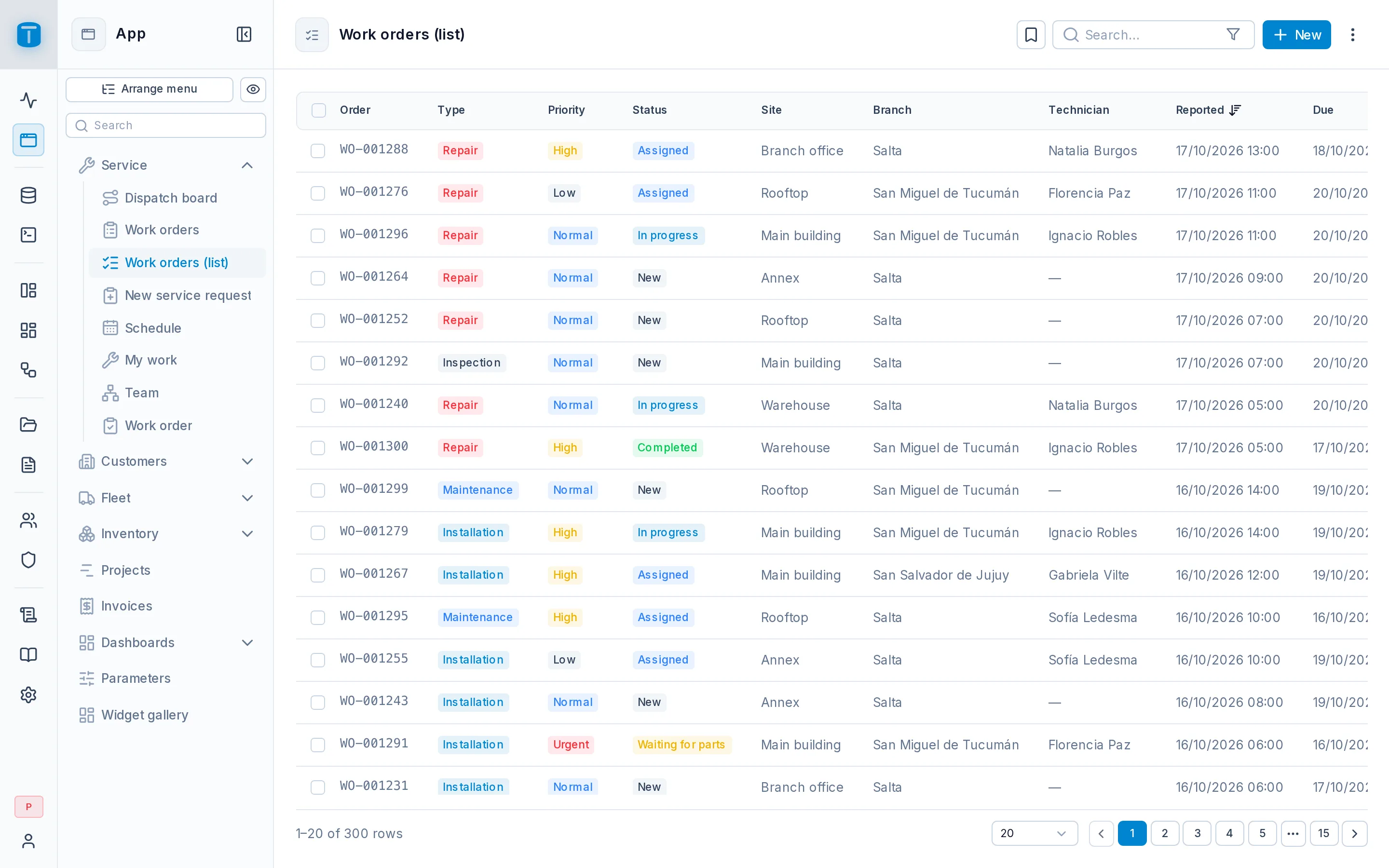
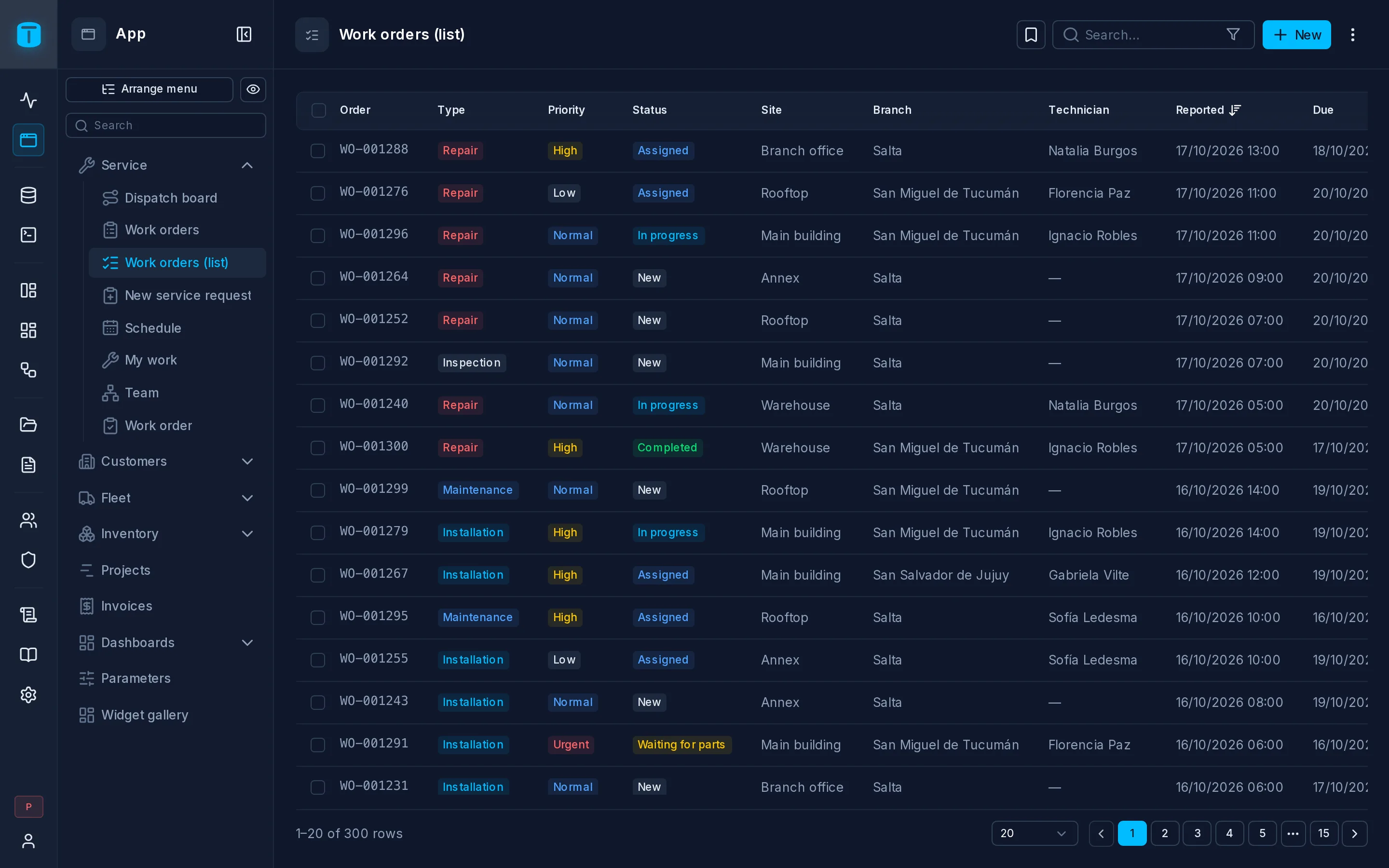
A Table is a grid: a row per record, a column per field, with sorting, searching, filtering and paging. It's the type the wizard recommends, and the one to start with when you don't know yet how people will use the data. You can add a kanban, a calendar or a map over the same rows later.
At Acme, Invoices is a Table colored by status, and Work orders (list) is a Table with saved views such as Overdue and Unassigned.
What it needs
Any table or view. Over a view the grid is read-only.
What users can do
- Sort by clicking a column's header, and page through the rows: 10, 20, 50 or 100 per page (20 by default).
- Search and filter. The search covers the DataView's columns, hidden ones included. See Settings › Actions.
- Open a record by clicking its row. Each row also has a ⋮ with the record's actions: Clone, Copy, Print, Activity, Delete.
- Select rows to delete them together or edit them together. The selection survives paging and searching.
- Change the density (normal, compact, very compact) and show, hide and reorder columns from the Columns menu. These choices are remembered per user.
- Print the grid as a PDF, and import or export rows. See Settings › Actions.
On a phone, the first column stays in place while the others scroll under it.
How it looks
A Table has no layout of its own to configure: its columns are the DataView's columns, and how each one looks (label, format, colors, a status badge) comes from the table's column presentation in Database. See Settings › Data and Column presentation.
Two things make a Table more than a list:
- Totals. A column can show a sum, average, minimum, maximum or count at the foot of the grid, over every row the filters keep, not just the page. PostgreSQL computes them. While rows are selected, the selection bar adds up the first summed column: 3 selected · Total: $ 1,540,000.
- Conditions. A cell or a whole row can change color when something holds: an overdue order in red, a stock line at zero dimmed. PostgreSQL evaluates the condition for each row. See Settings › Data.
Settings › Views › Table
| Option | |
|---|---|
| Density | Users can switch between normal, compact and very compact |
| Columns | Users can show, hide and reorder columns |
| The Print button: a PDF of the grid | |
| Row edit | Clicking a row opens its record form. Off, only the row's ⋮ opens it |
Under Presentation, shared by every view: the density and page size a first-time user starts with, and the list's margin: Normal (the grid inside the page, the default), Compact, or No margin (right under the page header).
Next steps
- Settings › Actions: search, filters, saved views, import and export.
- Settings › Form: how a row opens.