

Security
In the admin: Settings › Security
Settings › Security groups these pages of the admin: Network, Secrets, Audit.
Network
Settings › Security › Network
Network protects the public API: how many requests a caller may make, which other sites' pages may call it from a browser, and whether to trust a reverse proxy's headers.
Rate limiting
| Setting | Key | Default | |
|---|---|---|---|
| Enable rate limiting | security.rate_limit_enabled | on | |
| Requests per minute | security.rate_limit_per_minute | 300 | Per caller. Past it, 429 RATE_LIMIT_EXCEEDED |
The MCP server has its own limit, in Data API › MCP.
CORS
| Setting | Key | Default | |
|---|---|---|---|
| Enable CORS | security.cors_enabled | on | |
| Allowed origins | security.cors_origins | none | The sites whose pages may call the API from a browser, such as https://portal.acme-field.example |
With no origins listed, no other site's page may call the API from a browser. Servers, scripts and apps aren't affected: CORS is a browser rule. There's no "allow everyone" default.
Reverse proxy
| Setting | Key | Default | |
|---|---|---|---|
| Trust reverse proxy headers | security.trust_proxy | off | Read the caller's real IP from X-Forwarded-For. Applies after a restart |
Turn it on only behind a proxy you control: otherwise anyone could set the header and pass for another IP in the audit log and the rate limit. See Public URL, Proxy and CORS.
Secrets
Settings › Security › Secrets
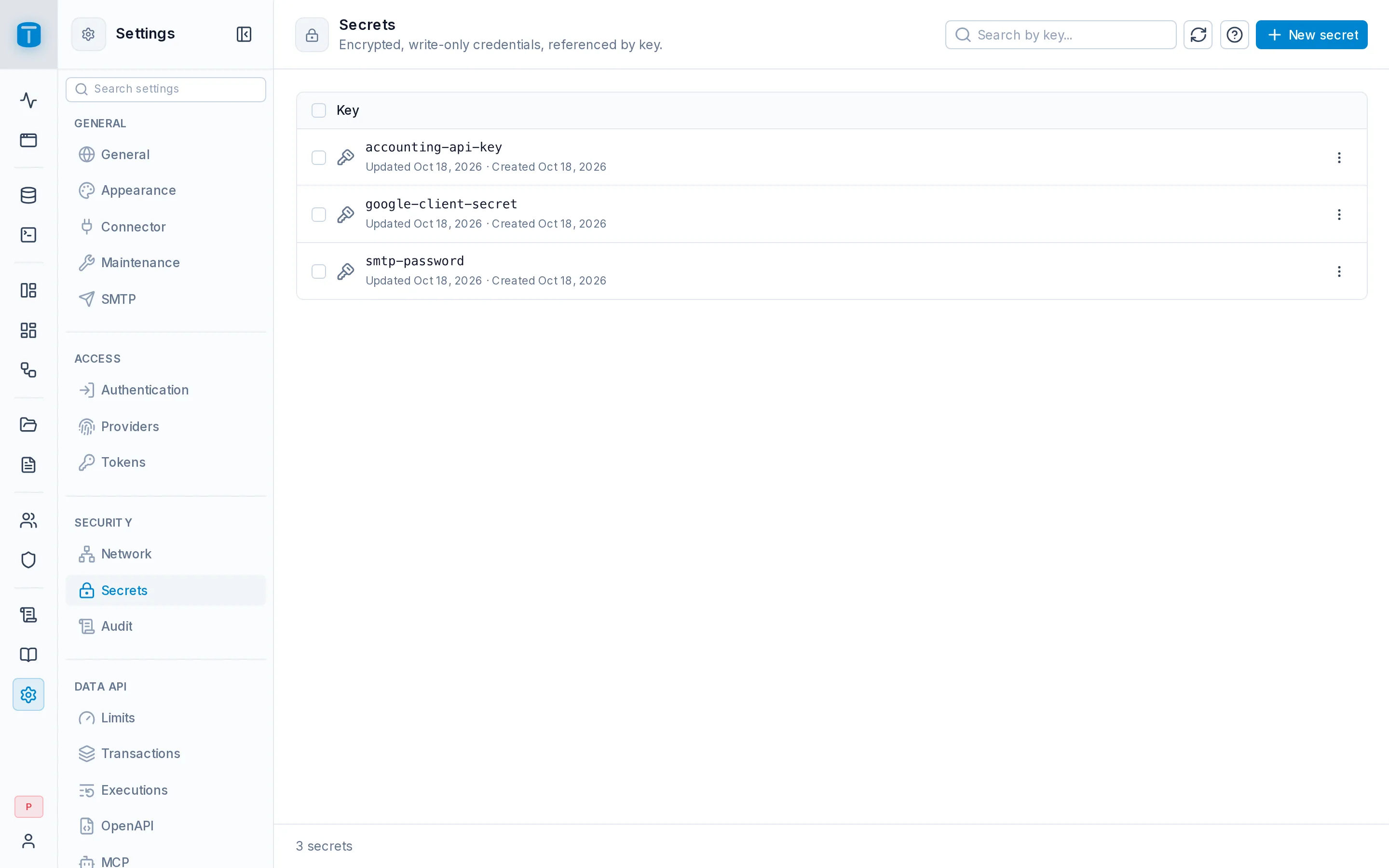
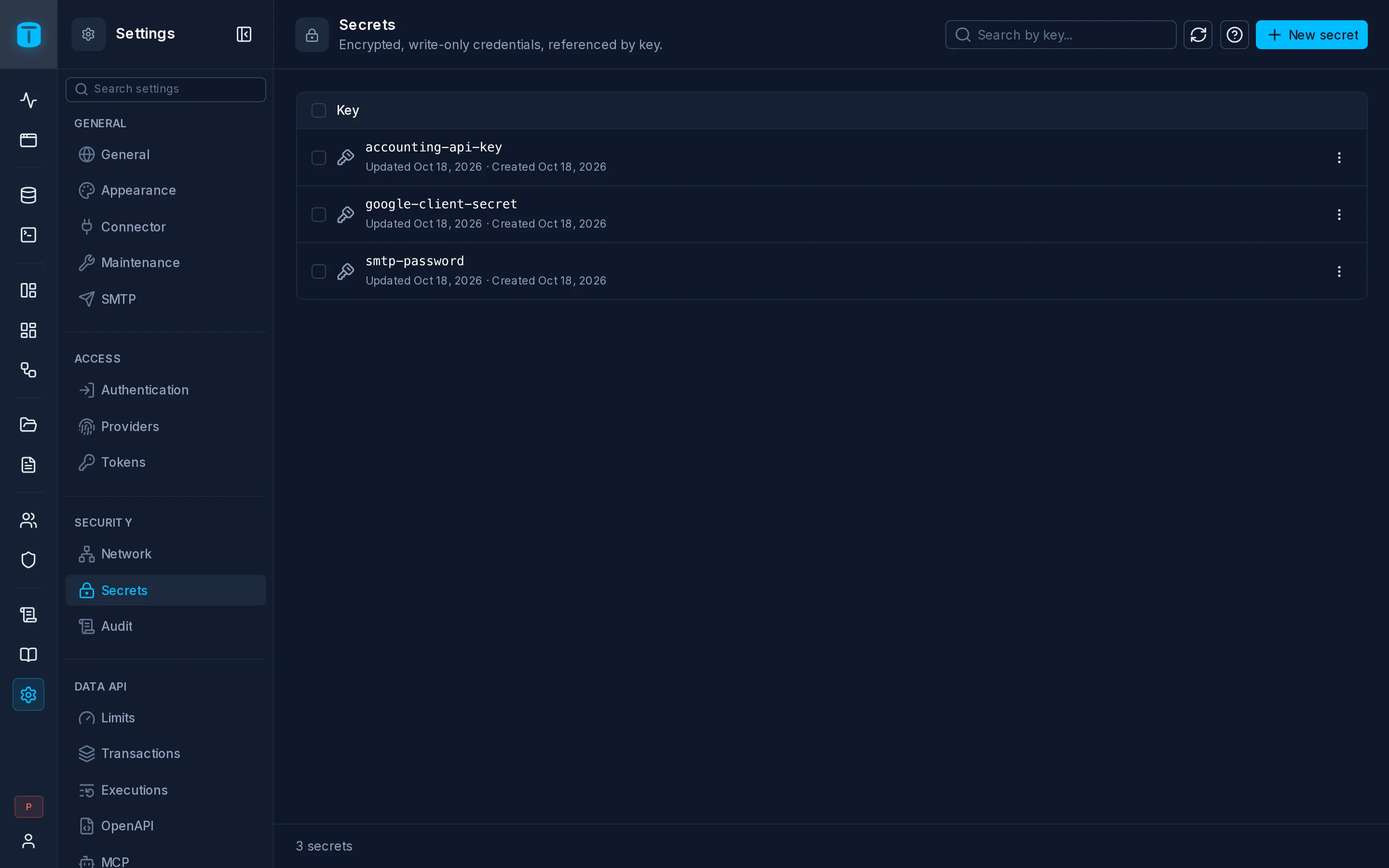
Secrets stores credentials once, encrypted, so other settings reference them by key instead of holding them: the SMTP password, an auth provider's client secret, the dashboards' embedding secret, a workflow's API key. A secret can be replaced, never read back.
Adding a secret
New secret asks for:
| Field | |
|---|---|
| Key | lowercase letters and numbers, with ., _ or -: smtp.password, accounting_api_key |
| Value | the credential. Generate a value makes a random one: a base64url token, hexadecimal, alphanumeric or a UUID, of 16, 32 or 64 bytes |
After saving, the value is never shown again. Replace, in a secret's ⋮, sets a new value under the same key: everything referencing it uses the new one.
A secret still referenced, by an auth provider for example, can't be deleted.
Where secrets are used
| Used by | Setting |
|---|---|
| SMTP | SMTP password (secret key) |
| Auth providers | the client secret |
| Dashboard embeds | Embedding secret |
| Workflows | Secret headers of an HTTP request step |
How they're protected
Secrets are encrypted with the master key - TOTALBASE_MASTER_KEY, or the one TotalBase generated into its data directory - which lives only on the server, never in the database. A database backup without the master key can't decrypt them, and losing the master key loses them. See Backup and restore.
Audit
Settings › Security › Audit
Audit sets what goes into the audit log and how long it stays.
| Setting | Key | Default | |
|---|---|---|---|
| Enable audit logging | audit.enabled | on | For the whole instance |
| Retention period | audit.retention_days | 365 days | Entries older than this are purged, every hour. 0: keep forever |
| Store SQL statements | audit.store_sql | on | Keep the SQL statement each write ran |
| Store SQL parameters | audit.store_sql_params | off | Also keep the bound values. They can include personal data |
Whether a table's or view's reads are logged, and which columns are left out of the recorded values, is set per resource in its Auditing section in Database.
Other histories have their own retention: SQL Console history (SQL Console), workflow runs (Workflows), ended sessions (Authentication).