

Tree
In the admin: New DataView › Tree · Settings › Views › Tree
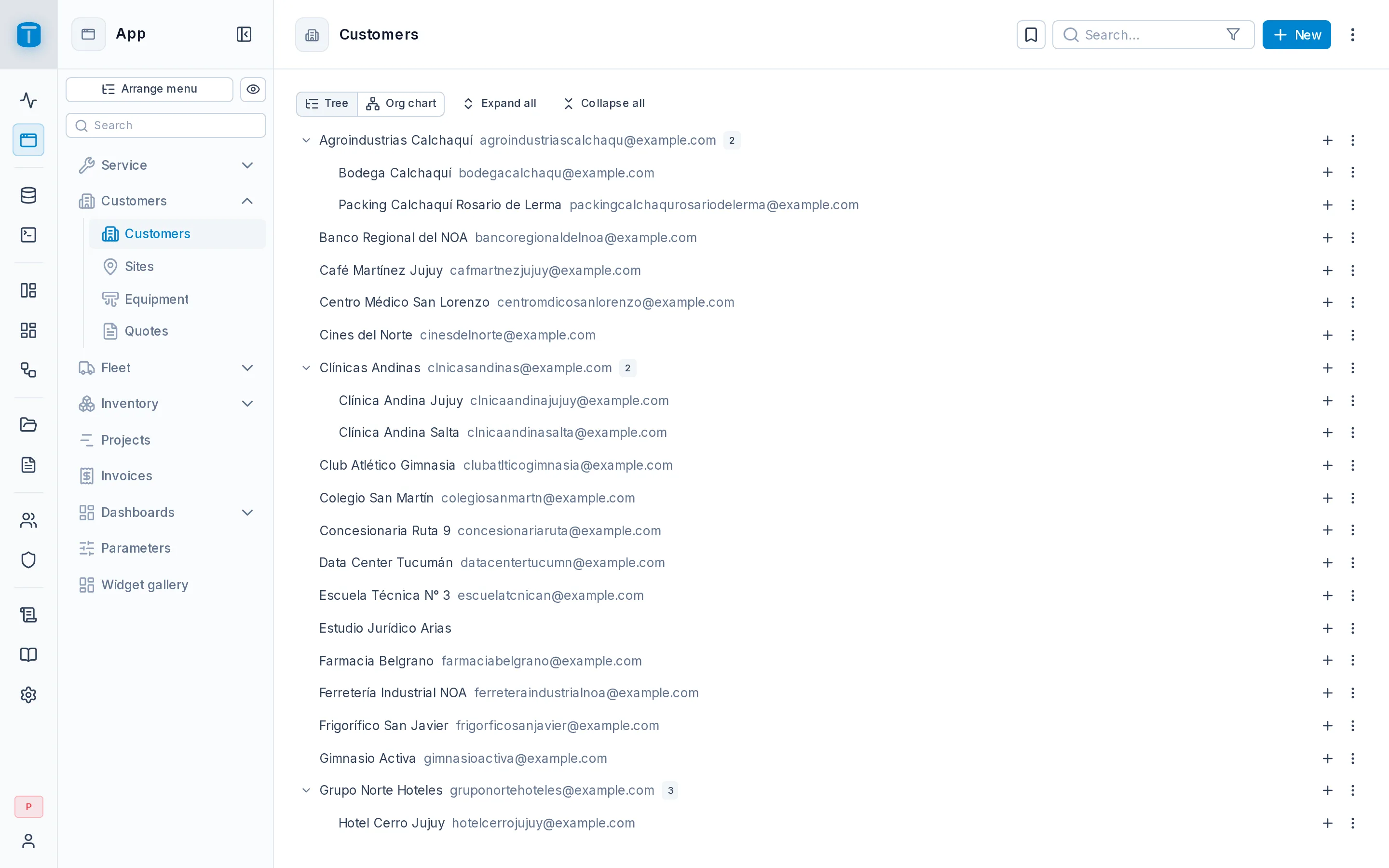
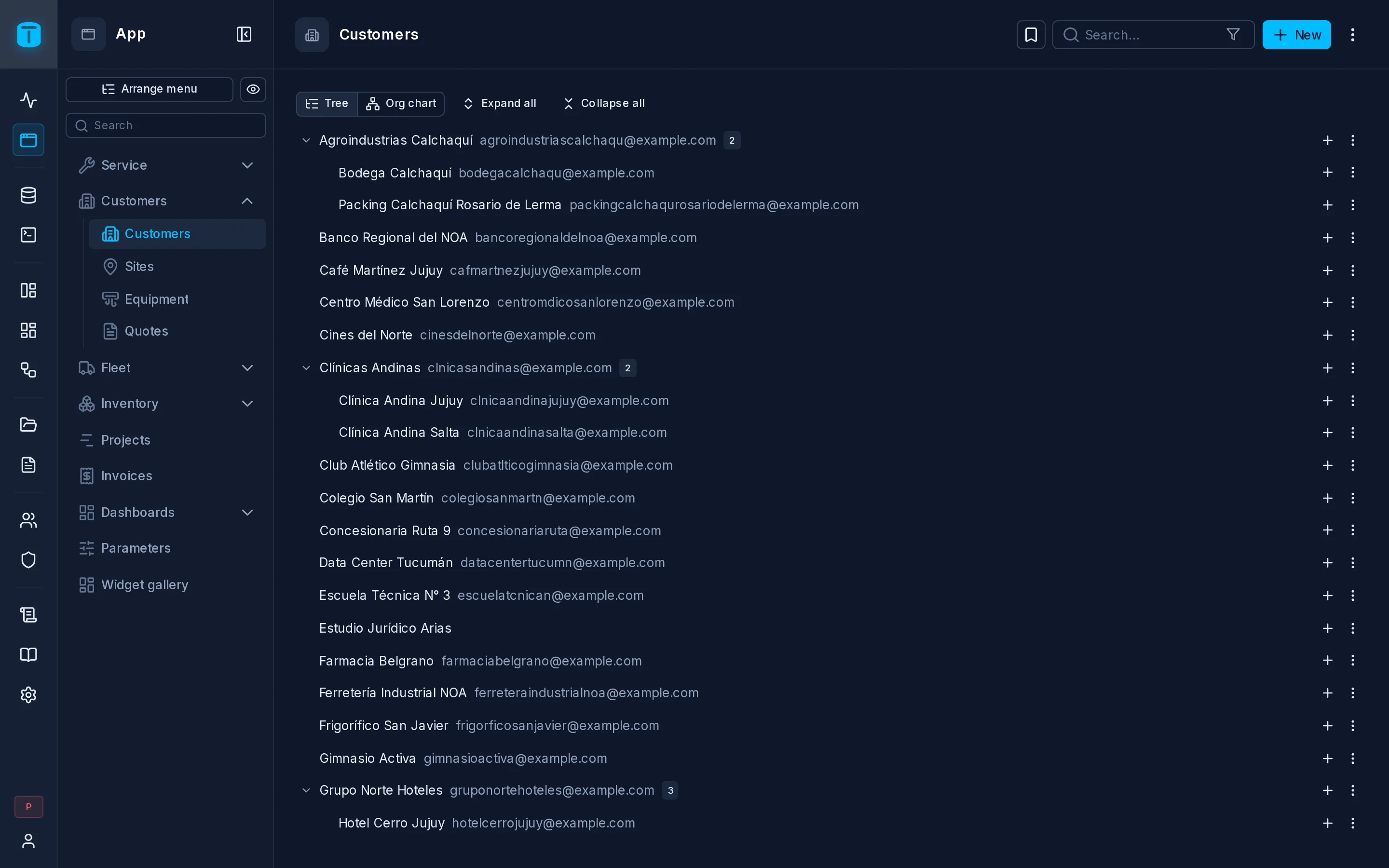
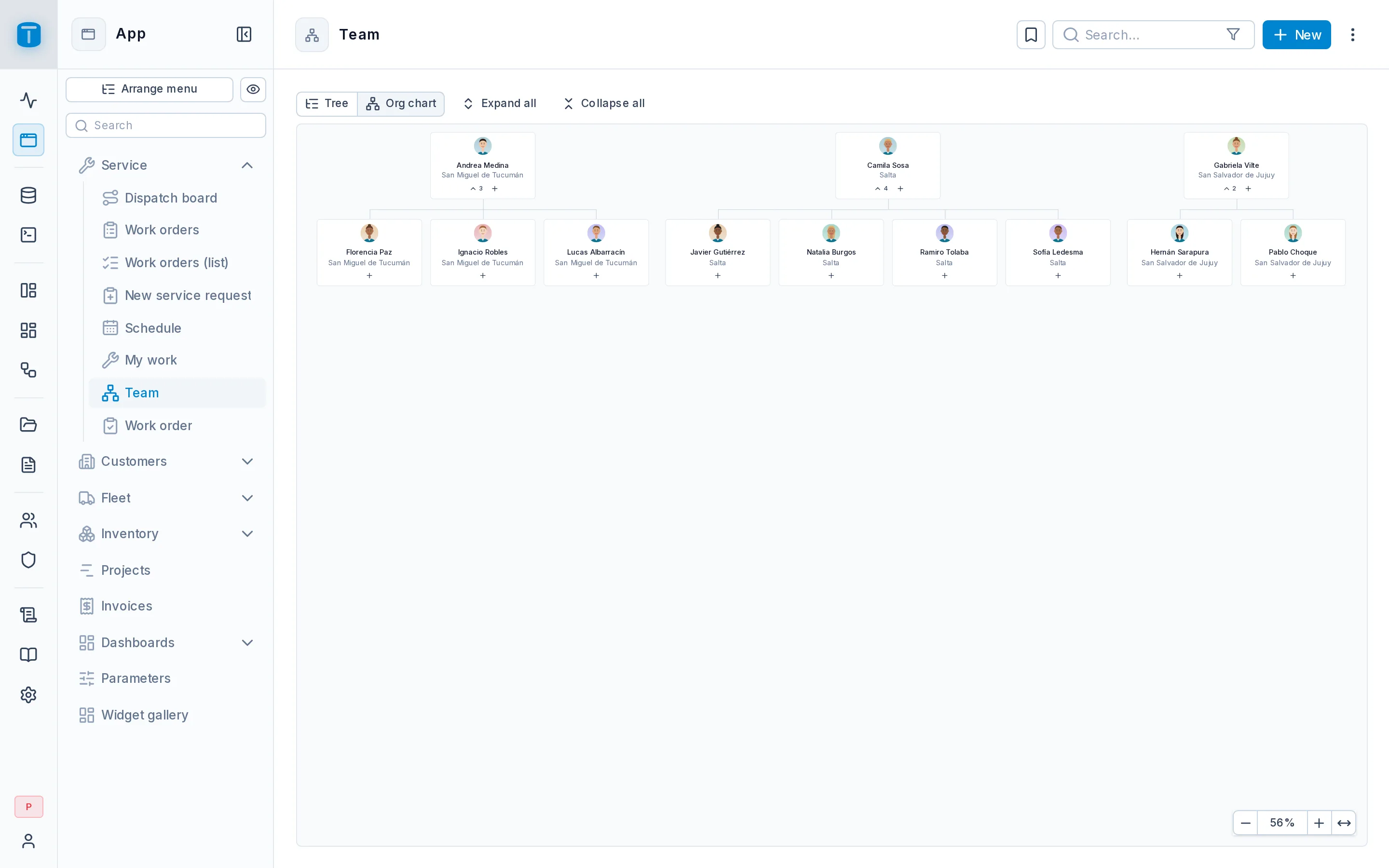
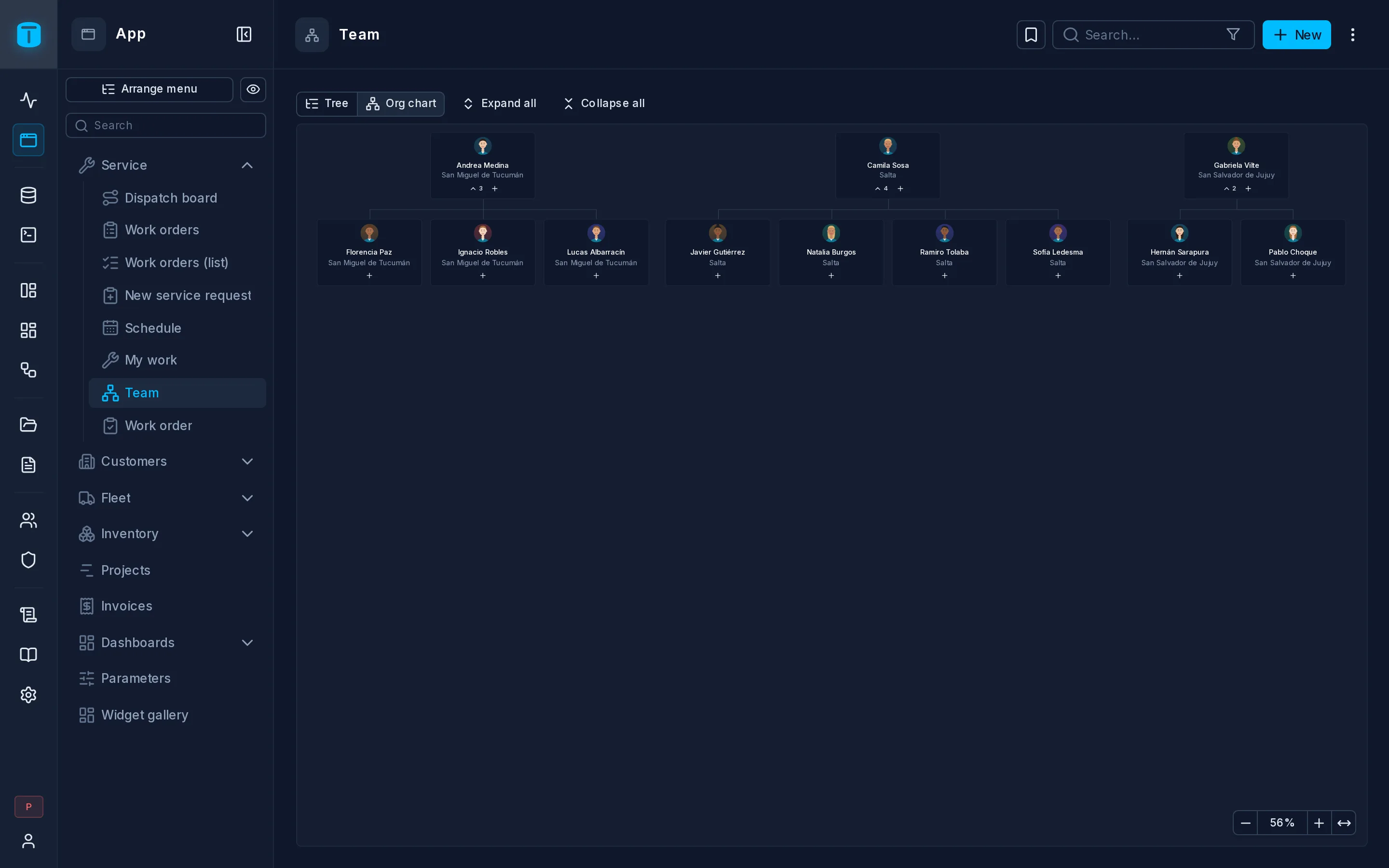
A Tree shows each row under its parent: categories under categories, a chart of accounts, an organization chart. Users can see it as a collapsible tree or as an org chart.
At Acme, Customers shows groups and their subsidiaries: a holding company, the companies it owns, and their branches.
What it needs
A table with a foreign key to itself, the parent column. Acme's customers.parent references customers. A view can't be a tree's source, because moving a row writes its parent.
The layout
| Field | |
|---|---|
| Parent | Required. The foreign key of the table to itself |
| Order | Optional, a number column that orders the rows under the same parent. Dragging renumbers it. Without it, by title |
| Title | Required. What each node shows |
| Description | Optional. Beside the title in the tree, under it in the org chart |
| Image | Optional. An avatar for each node, such as a photo in an org chart |
| Icon, Color | Optional. Without an image, the node shows the icon, or a dot in the color |
| Opens as | Tree or org chart. Users can switch, and their choice is remembered in their browser |
| Open levels | How many levels are open when it loads, 0 to 20. 0 shows only the top level |
Protect against cycles
The wizard offers Protect against cycles, on by default when TotalBase's database role may alter the table. It adds a trigger to the table that refuses a row placed under itself or under one of its own descendants. The trigger applies to every writer, not only the DataView.
What users can do
- Expand and collapse nodes, or all of them at once, with the keyboard too.
- In the org chart, scroll both ways, drag the background to pan, and zoom.
- Open a node to see its record. Its + creates a child row, with the parent already set.
- Drag a node before, after or into another to move it. The row's parent changes through the Data API, where the user may update it. A node can't be dropped under itself or its descendants: they dim while dragging.
- Delete a node from its ⋮. What happens to its children is the foreign key's own
ON DELETE: PostgreSQL refuses the delete, or deletes them too.
A row whose parent isn't among the rows shown (because of a search, a filter or the limit) shows at the top level.
Limits
A tree reads all its rows at once, up to 2000 (dataviews.tree_max_nodes, in Settings › Features › DataViews).
Next steps
- Tables › Relations: foreign keys, including to the same table.