

Audit Log
In the admin: Logs
Logs is the audit log: every write and access event made through TotalBase, read-only. A row created from the App, a permission changed in the admin, a token denied, a SQL statement run in the console, an export of 900 invoices: each is an entry, recorded in the same PostgreSQL transaction as the change itself. See Audit and events.
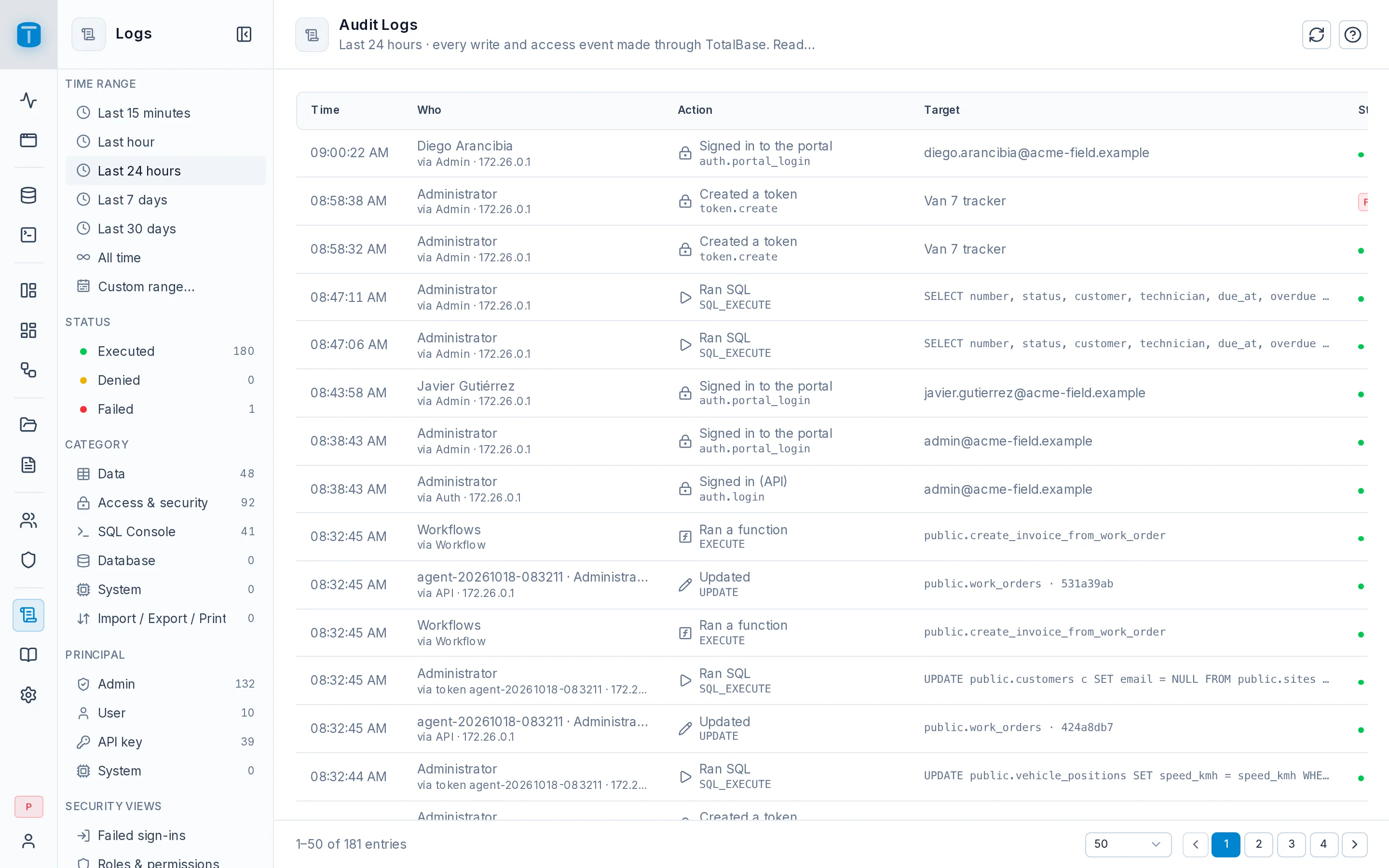
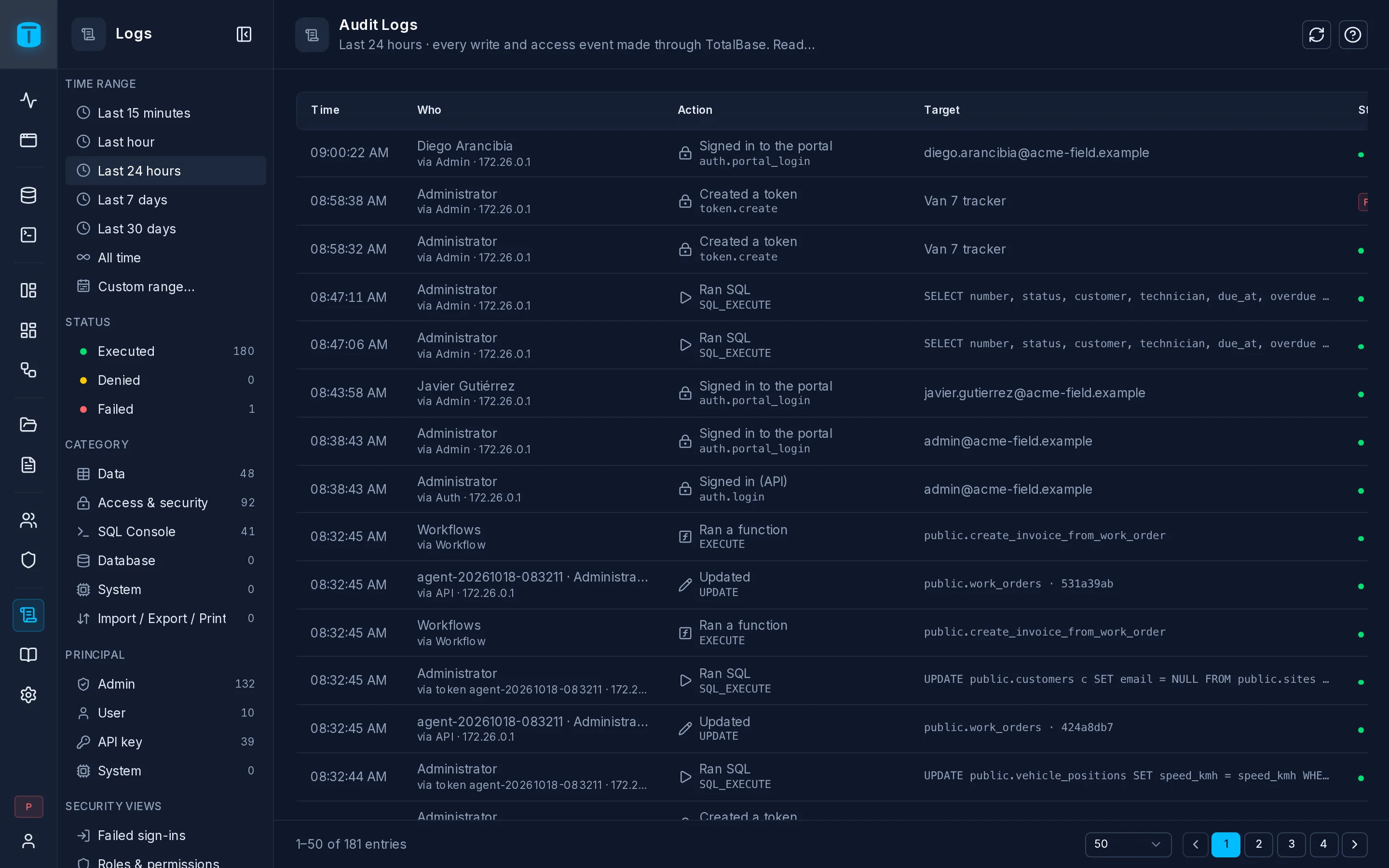
The list
| Column | |
|---|---|
| Time | hover for how long ago |
| Who | the user, token or system, and where it came from |
| Action | in words (Updated), with the raw event under it |
| Target | the table, view, role or setting it touched |
| Status | a badge for Denied or Failed; nothing for executed |
Click an entry to open it: see An entry. The refresh button also clears the filters, back to the last 24 hours. There's no export: the log is read in place.
Filters
The sidebar filters the list. Every filter is part of the page's address, so a filtered view can be bookmarked or shared.
| Filter | |
|---|---|
| Time range | Last 15 minutes, Last hour, Last 24 hours (the default), Last 7 days, Last 30 days, All time, or Custom range… (whole days, in your time zone) |
| Status | Executed, Denied, Failed |
| Category | Data (Create, Update, Delete, Read, Execute function), Access & security, SQL Console (Execute, History purge), Database (Schema change, Maintenance), System (Log purge), Import / Export / Print. Picking a category shows its actions |
| Principal | Admin, User, API key, System |
| Security views | Failed sign-ins, Roles & permissions, Settings & secrets, Tokens & sessions |
From an entry you can also narrow the list to the same principal, event, resource or request; each shows as a chip above the list, with ✕ to remove it.
Administrators see a count beside each filter; Security views are for administrators only.
Who can see it
Administrators see everything. A role with READ on the audit log sees Logs in its rail and the entries its row filter allows, without counts or security views. See Delegated administration.
What's recorded, and for how long
Settings › Security › Audit turns logging on or off, sets the retention (365 days by default; 0 keeps entries forever), and whether SQL statements and their parameters are stored. Old entries are purged every hour.
Reads aren't logged by default. A table or view can log them, and leave out columns from the recorded values, in its Auditing section in Database.